Clash Meta for iOS: What It Is and How to Use It Safely
Learn what Clash Meta for iOS does, how to check compatibility, and what to consider before installing or configuring it.


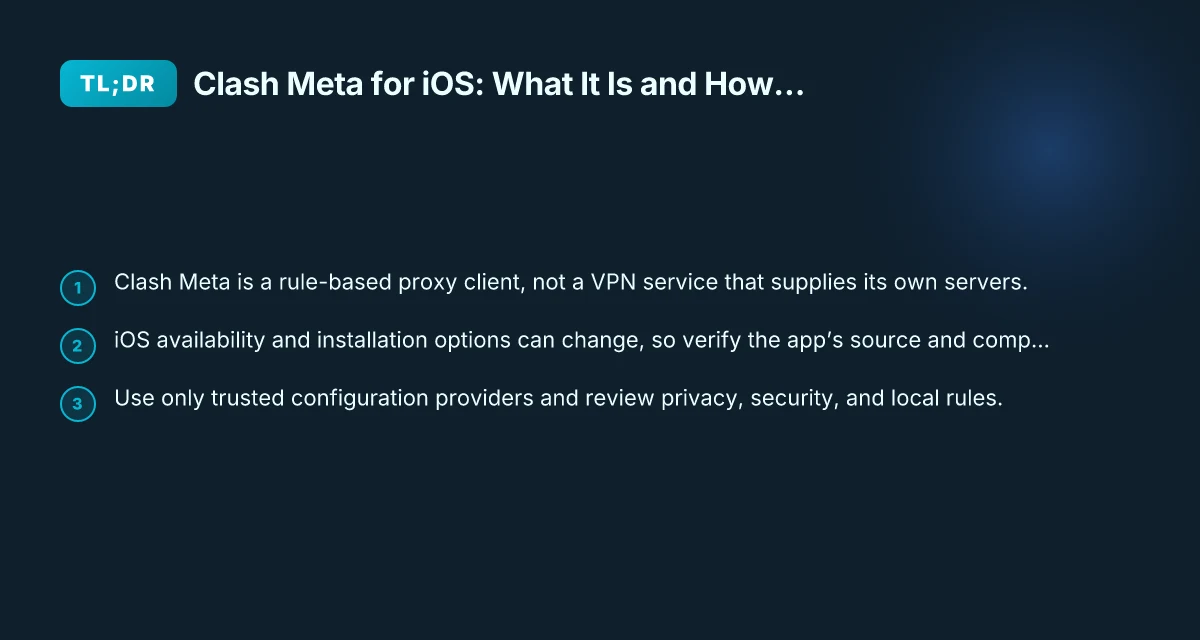
Clash Meta for iOS refers to using the Clash Meta proxy client or a compatible iOS app to route network traffic according to configurable rules. It can direct selected connections through proxy servers, but it does not provide proxy servers by itself. Before installing anything, check whether a current iOS-compatible version is available from a source you trust and whether you have a legitimate configuration to use.

Compare the main ways to route traffic on iOS
| Option | What it does | Configuration | Traffic coverage | Main consideration |
|---|---|---|---|---|
| Clash Meta for iOS | Routes traffic using proxy rules | Profiles and proxy nodes | Depends on rules and iOS setup | Requires a trusted, compatible app |
| Other proxy app | Routes traffic through configured proxies | Varies by app | Depends on app and rules | Features and trust vary |
| VPN service | Routes traffic through a VPN provider | Usually provider-managed | Often device-wide | Provider can see connection metadata |
| Manual proxy settings | Sends supported traffic to a proxy | Entered in iOS settings | Limited to supported connections | Fewer routing controls |
| No proxy or VPN | Uses the direct connection | No extra setup | Normal device traffic | Does not add proxy-based routing |
| Encrypted DNS | Changes DNS resolution | DNS provider or profile | DNS queries only | Does not route all traffic |
Compiled November 2026; check the provider's site for current details.
What Clash Meta Does
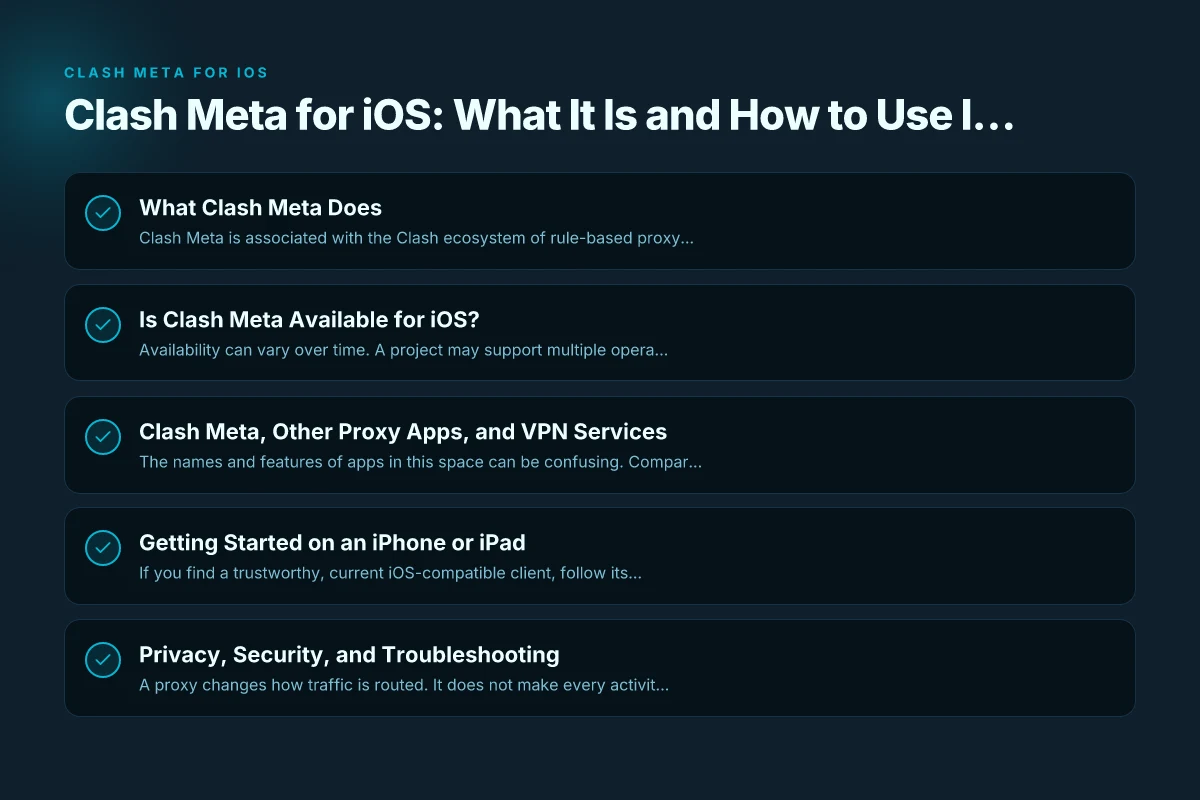
Clash Meta is associated with the Clash ecosystem of rule-based proxy software. A client typically reads a configuration containing proxy server details, groups, and traffic rules. Based on those rules, it can send traffic directly, block it, or route it through a selected proxy.
This differs from a conventional VPN subscription. A proxy client is the software that manages connections. It does not automatically include a server network or guarantee privacy. You need a compatible, valid configuration from a provider or a server you control.
Depending on the particular iOS app and its implementation, the client may use Apple’s Network Extension capabilities to create a local VPN-style tunnel. That system label does not mean the app is a VPN provider. It describes how iOS allows certain apps to manage network traffic.
Is Clash Meta Available for iOS?
Availability can vary over time. A project may support multiple operating systems without offering an official iPhone or iPad app, and third-party apps may use similar names or support compatible configuration formats without being the official Clash Meta project. Urban VPN Chrome: How to Install, Use, and Choose Safely
Check these details before installing:
- Source: Prefer an official project page, a recognized app store listing, or a developer-linked distribution channel.
- Developer identity: Confirm that the publisher matches the project or app you intended to get.
- Compatibility: Read the current iOS requirements and supported configuration features.
- Maintenance: Look for recent releases, clear documentation, and a way to report security issues.
- Permissions: Understand why the app requests network access or permission to add a VPN configuration.
Avoid installation files or profiles from unfamiliar websites, unsolicited messages, or links promising unrestricted access. A configuration profile can change device settings, and an untrusted proxy configuration may expose metadata or direct your traffic through an operator you do not know.
Clash Meta, Other Proxy Apps, and VPN Services
The names and features of apps in this space can be confusing. Compare the exact app and service rather than relying on the word “Clash” in a title.
| Option | What it generally provides | What you still need |
|---|---|---|
| Clash Meta-compatible client | Tools for importing rules and managing proxy connections | A compatible configuration and proxy servers |
| Another Clash-compatible iOS app | An iOS interface that may support some Clash-style configuration formats | Confirmation that your configuration features are supported |
| Commercial VPN app | An app and, usually, access to the provider’s server network | A subscription or account, depending on the provider |
| Self-hosted proxy | A server you or your organization operate | Server setup, maintenance, and a compatible client |
Compatibility is not guaranteed just because two apps support the same general format. Differences in rule syntax, protocols, subscriptions, or platform-specific features can prevent a configuration from working as expected. Check the app’s documentation and the configuration provider’s instructions. Urban VPN for Edge Extension: Installation, Features, and Safety
Check these points before using Clash Meta on an iPhone or iPad
| Check | What to look for | Safer choice | If unclear |
|---|---|---|---|
| iOS availability | A compatible, legitimate installation route | Use a trusted source | Do not install an unknown build |
| App identity | Publisher and app details | Verify before installing | Pause and investigate |
| Configuration profile | Requested permissions and settings | Review before approving | Do not accept unexplained changes |
| Proxy provider | Operator and privacy practices | Choose a provider you trust | Avoid unknown nodes |
| Traffic rules | Which connections use proxies | Review the profile | Assume coverage may be partial |
| Credentials | Where passwords or keys are stored | Protect them and limit sharing | Replace exposed credentials |
| Updates | Whether the app and profile are maintained | Keep trusted software current | Stop using abandoned builds |
| Connection behavior | Whether traffic follows expected rules | Test with non-sensitive activity | Disconnect if behavior is unexpected |
Compiled November 2026; check the provider's site for current details.
Getting Started on an iPhone or iPad
If you find a trustworthy, current iOS-compatible client, follow its official setup instructions. The general process is:
- Install the app from its verified distribution source.
- Obtain a configuration only from a provider you trust or from infrastructure you manage.
- Import the configuration using the app’s documented method.
- Review the proxy groups and traffic rules before connecting.
- Approve any iOS prompt to add a VPN configuration only if you intended to enable the client.
- Test the connection with non-sensitive browsing and confirm that the selected rules behave as expected.
Do not paste configuration links into public forums or share them casually. Subscription links and configuration files may contain credentials or other access details. Treat them like passwords: keep them private, and revoke or replace them if they are exposed. Urban VPN Extension for Microsoft Edge: How to Install and Use It
If the app cannot import a configuration, check whether the file format and protocols are supported. Avoid disabling device security settings or installing unknown certificates as a workaround unless you fully understand why they are needed and trust the source.
Privacy, Security, and Troubleshooting
A proxy changes how traffic is routed. It does not make every activity anonymous. The proxy operator may be able to see connection metadata, and in some circumstances may see unencrypted traffic. Websites, apps, and internet providers can also collect information independently of your proxy setup.
For safer use:
- Choose a provider with clear ownership, privacy practices, and support.
- Prefer encrypted connections and keep the app and iOS updated.
- Review which traffic is routed through a proxy and which connects directly.
- Do not assume a working connection prevents tracking by accounts, cookies, or device identifiers.
- Follow the laws and network rules that apply where you are.
If a connection fails, first confirm that your internet access works without the client. Then check the configuration’s expiry, credentials, selected proxy group, and app compatibility. Update from a trusted source if a newer release is available. If you manage the server, inspect its status and logs without sharing credentials publicly. Forti VPN Client: Setup, Features, and Troubleshooting
Choose an option for your use case
| Need | Clash Meta for iOS | Other proxy app | VPN service | Direct connection |
|---|---|---|---|---|
| Custom routing rules | May be suitable | Depends on app | Usually provider-managed | Not available |
| Simple setup | May require configuration | Varies | Often straightforward | Straightforward |
| Provider choice | User selects proxy provider | Varies | User selects VPN provider | Internet provider only |
| Control over traffic paths | Rule-based, if supported | Varies | Usually less granular | No added routing |
| Whole-device coverage | Depends on setup | Depends on setup | Commonly supported | No proxy coverage |
| Reliance on a third party | Proxy operator | Proxy operator | VPN operator | Internet provider |
| Best fit | Users comfortable managing profiles | Users seeking a different proxy interface | Users wanting a managed VPN | Users who need no proxy or VPN |
| Key caution | Verify app, profile, and proxy trust | Check app provenance and policies | Review provider privacy claims | Does not provide proxy or VPN protection |
Compiled November 2026; check the provider's site for current details.
Recommendation
Use Clash Meta on iOS only when you can verify the client’s source, confirm that it supports your configuration, and trust the proxy operator. If you simply want a straightforward iPhone VPN, a reputable VPN provider’s official iOS app may be easier to set up.