Fastest Free VPN for Edge: What Works Best in 2026
Find the fastest free VPN for Microsoft Edge, compare practical options, and learn how to avoid slow or unsafe extensions.


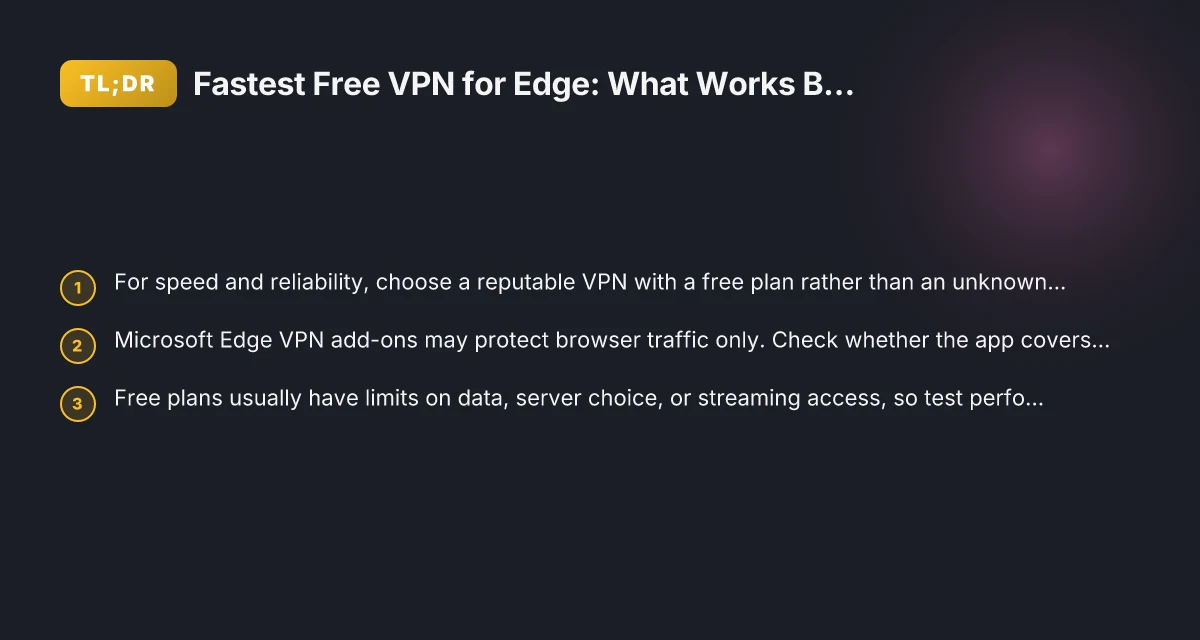
If you want the fastest free VPN for Edge, start with a reputable VPN provider’s free plan and use its official Edge extension or desktop app. There is no single service that is fastest for everyone: your location, internet connection, chosen server, and the VPN’s free-tier limits all affect speed. Among established options, Proton VPN is a strong first choice because its free plan is known for unlimited data, although free users may have fewer server choices and speeds can vary. Windscribe is another option to compare, particularly if its monthly data allowance is enough for your browsing.

Editor's pick: NordVPN — fast, secure VPN — Strong encryption, a no-logs policy and apps for every device. 30-day money-back guarantee. Get NordVPN →
Free VPN options to compare for Microsoft Edge in 2026
| Option | Edge support | Free-plan data | Coverage | Best for |
|---|---|---|---|---|
| Proton VPN | Browser extension and app | Unlimited | Free servers in selected countries | No data cap |
| Windscribe | Browser extension and app | Limited monthly allowance | Free server locations | Flexible browser controls |
| PrivadoVPN | Browser extension and app | Limited monthly allowance | Free server locations | Trying different locations |
| hide.me | Browser extension and app | Limited monthly allowance | Free server locations | Simple setup |
| TunnelBear | Browser extension and app | Small monthly allowance | Free server locations | Occasional browsing |
| VPNBook | Browser proxy extension | No app-wide VPN coverage | Limited proxy locations | Browser-only use |
Compiled November 2026; check the provider's site for current details.
| VPN | Obfuscation | From / month | Plan | Free plan | Refund | Alipay | UnionPay | Crypto | Website opens in China | Trustpilot | |
|---|---|---|---|---|---|---|---|---|---|---|---|
 Proton VPN | Turn on manually Stealth, free plan too | $2.99/mo | 12 months: $35.88 | Yes | 30 days | ✗ | ✗ | ✗ | ✓ | ✗ Blocked | 2.1/5 (1,040 reviews) |
 Windscribe | Turn on manually Stealth / WStunnel | $5.75/mo | 12 months: $69 | Yes | See site | ✗ | ✗ | ✗ | ✓ | ✗ Blocked | 4.7/5 (13,355 reviews) |
 ZoogVPN | Turn on manually Shadow | $2.49/mo | 27 months: $59.99 | Yes | 7 days | ✓ | ✓ | ✓ | ✓ | Official site blocked; our special link opens (4.4 s) | 4.2/5 (195 reviews) |
 NordVPN | Turn on manually Obfuscated Servers / NordWhisper | $3.49/mo | 27 months: $94.23 | No | 30 days | ? | ✗ | ✓ | ✓ | ✗ Blocked | 4.2/5 (51,628 reviews) |
 ExpressVPN | ✓ On by default all servers | $3.00/mo | 28 months: $84 | No | 30 days | ✗ | ✗ | ✓ | ✗ | ✗ Blocked | 4.4/5 (29,706 reviews) |
 Surfshark | ✓ On by default Camouflage, with OpenVPN | See site | See site | No | 30 days | ✗ | ✗ | ✗ | ✓ | ✗ Blocked | 4.3/5 (31,823 reviews) |
 Astrill VPN | Turn on manually StealthVPN / OpenWeb | $12.50/mo | 24 months: $300 | No | See site | ✗ | ✗ | ✗ | ✓ | ✗ Blocked | 1.3/5 (110 reviews) |
 Private Internet Access | Turn on manually Shadowsocks, OpenVPN only | $2.03/mo | 40 months: $81.2 | No | 30 days | ✗ | ✗ | ✗ | ✗ | ✗ Blocked | 4.2/5 (11,033 reviews) |
 CyberGhost | Turn on manually selected servers | $2.19/mo | 28 months: $61.32 | No | 45 days | ✗ | ✗ | ✗ | ✓ | ✗ Blocked | 4.0/5 (24,178 reviews) |
 PureVPN | Turn on manually switch to OpenVPN | $1.69/mo | 60 months: $101.55 | No | 31 days | ? | ? | ✗ | ✓ | ✗ Blocked | 4.4/5 (17,994 reviews) |
 AdGuard VPN | ✓ On by default TrustTunnel | $2.99/mo | 24 months: $71.76 | Yes | 30 days | ✓ | ✗ | ✓ | ✓ | Official site blocked; our special link opens (3.7 s) | 4.3/5 (290 reviews) |
 Mullvad | Turn on manually QUIC / Shadowsocks / LWO | $5.61/mo | €5/mo | No | 14 days | ✗ | ✗ | ✗ | ✓ | ✗ Blocked | 3.2/5 (192 reviews) |
 StrongVPN | Turn on manually Scramble, OpenVPN TCP | See site | See site | No | 30 days | ✓ | ✗ | ✗ | ✗ | ✗ Blocked | 4.4/5 (2,695 reviews) |
 LightXtreme 闪连 | Not listed | $7.08/mo | 12 months: $84.99 | Yes | 30 days | ✓ | ✓ | ✓ | ✓ | ✓ Yes (3.5 s) | No page |
Prices checked 2026-11-10 on each vendor's pricing page (cheapest long plan, USD). Check the vendor's checkout for the final price.
Obfuscation checked 2026-11-14 on each vendor's site and help center: "on by default" = nothing to set; "turn on manually" = switch protocol or mode in settings; "not listed" = the vendor describes no obfuscation.
Payment methods checked 2026-11-10 on each vendor's payment pages: all 14 take cards and PayPal; ✗ = not listed, ? = the vendor's own pages disagree.
China access: whether the official website opens from mainland China networks (tests the website only, not the VPN connection). Last checked 2026-11-18 01:02 Beijing time.
Trustpilot score and review count checked 2026-11-10.
What “fastest” means for Edge
A VPN routes your traffic through an encrypted connection to a VPN server. That extra route can reduce your speed, and a distant or crowded server can make the slowdown more noticeable. The best free choice is therefore the one that performs well on a nearby server at the time you use it, not necessarily the one with the biggest speed claim.
Consider these factors:
- Download and upload speed: Important for large downloads, video calls, and uploads.
- Latency: Lower latency usually means a more responsive connection for calls, gaming, and interactive sites.
- Server distance and congestion: A nearby, less crowded server is often faster.
- Data limits: A monthly cap can make a fast VPN impractical for frequent video or downloads.
- Coverage: An Edge extension may protect browser traffic, while a VPN app can cover other apps and device connections too.
Free-plan features can change. Check the provider’s current terms before installing, especially for data limits, available locations, and whether the extension itself is included.
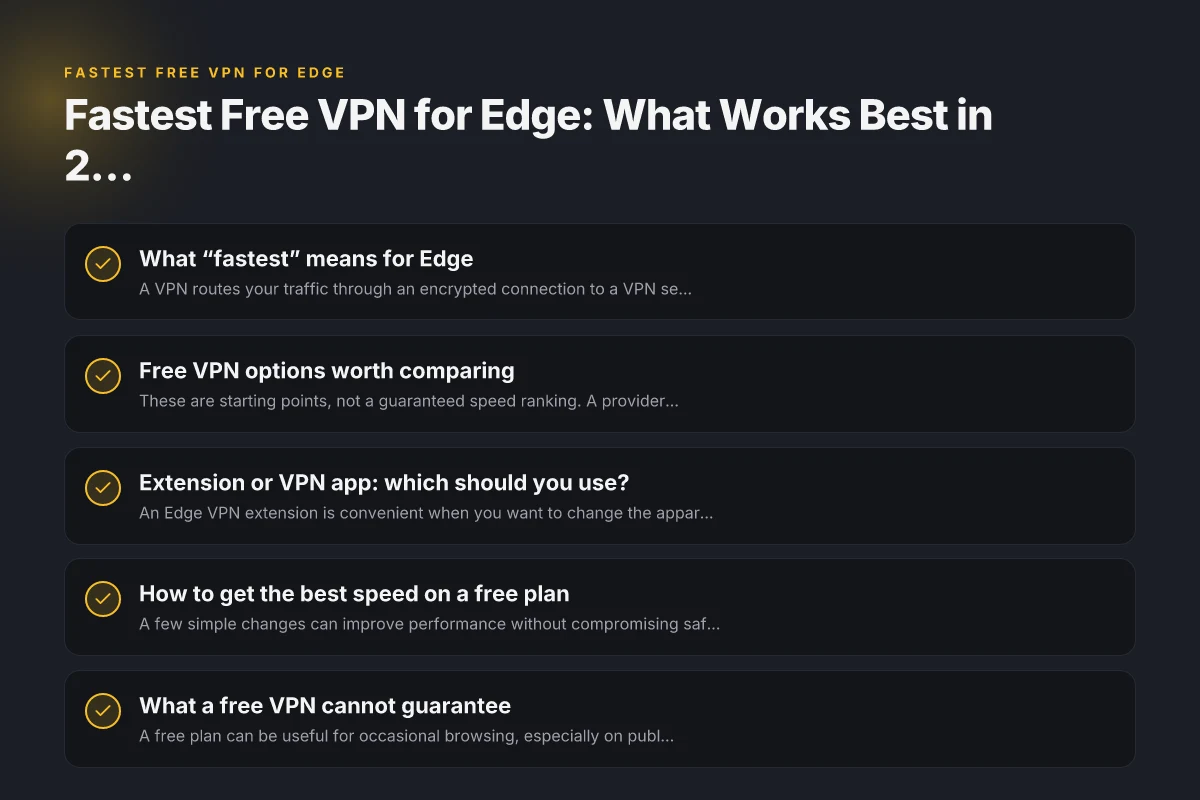
Free VPN options worth comparing
| Option | What may suit you | Main trade-off |
|---|---|---|
| Proton VPN Free | Browsing without a monthly data cap | Free locations and server availability may be limited |
| Windscribe Free | Users who want to compare locations and features | Monthly data allowance may not suit heavy use |
| Other established providers’ free tiers | A useful alternative if nearby servers perform better for you | Features and limits vary by provider |
These are starting points, not a guaranteed speed ranking. A provider can be quick in one city and slow in another, and a free server may become crowded at peak times. Run a speed test with your normal connection and then repeat it while connected to the VPN. Test more than one available server if the plan permits. VPN for PC: How to Choose, Install, and Use One Safely
Be cautious with browser extensions that promise unlimited speed without clearly identifying the company, explaining its privacy policy, or stating how it earns revenue. A free VPN should not require you to trade away personal data for an unclear service.
Extension or VPN app: which should you use?
An Edge VPN extension is convenient when you want to change the apparent location or protect browser activity. But extensions do not all work the same way. Some route browser traffic through a proxy rather than providing the full device-wide VPN protection users expect.
A provider’s desktop app is generally the better choice when you want protection for traffic from Edge and other apps. You can still use the extension if the provider offers one and you want browser-specific controls.
Before installing, check: FortiClient VPN Japan: Download, Setup, and Troubleshooting Guide
- Whether the extension encrypts traffic and how the provider describes its protection.
- Whether it covers only Edge or connects through a full VPN app.
- Which permissions it requests and whether they make sense for its features.
- The provider’s privacy policy, logging terms, and independent security information.
- That the add-on is published by the VPN company, not an imitation developer.
Download extensions from the Microsoft Edge Add-ons store or follow the provider’s official installation instructions. Avoid installing multiple VPN extensions at once. They can conflict and make it harder to tell which connection is active.
Choose an Edge extension or a VPN app
| Consideration | Edge extension | VPN app |
|---|---|---|
| What it protects | Browser traffic | Device traffic |
| Other apps protected | No | Yes |
| Edge setup | Add the extension | Install the app |
| Browser-specific controls | Often available | Usually limited |
| Device-wide location change | No | Yes |
| Background data use | Browser activity | Device network activity |
| Best fit | Protecting Edge only | Protecting more than Edge |
Compiled November 2026; check the provider's site for current details.
How to get the best speed on a free plan
A few simple changes can improve performance without compromising safety: FortiClient VPN Windows: How to Download, Install, and Connect
- Choose a nearby server. A closer location usually means a shorter network route.
- Try another server. If one is slow, disconnect and test another location included with your plan.
- Check your baseline speed. Compare results with the VPN off and on using the same device and test service.
- Use a stable connection. A strong Wi-Fi signal or wired connection can make a bigger difference than changing VPN settings.
- Close bandwidth-heavy apps. Cloud backups, game downloads, and video streams can affect test results.
- Keep Edge and the VPN software updated. Updates can fix connection and compatibility issues.
Do not judge performance from a single test. Run several checks at different times, and use the sites or services that matter to you. If a free server is consistently slow, it may simply be busy or far away.
What a free VPN cannot guarantee
A free plan can be useful for occasional browsing, especially on public Wi-Fi, but it may not match a paid service for speed, server choice, or support. Streaming platforms may block VPN connections, and a free plan may restrict access to particular locations. A VPN also does not make you anonymous: websites can still identify you through account sign-ins, cookies, browser fingerprinting, or information you choose to share.
Check the provider’s current data allowance before using a free VPN for video or large downloads. Unlimited data does not necessarily mean unlimited speed, and a data-capped plan can run out before the end of the month. For confidential work, follow your employer’s security rules rather than relying on a consumer free tier.
How to choose and improve speed on a free VPN What Is a Proxy Server? How It Works, Types, and When to Use One
| Decision or action | What to do | Why it helps |
|---|---|---|
| Check nearby servers | Choose a nearby free location | Shorter routes can reduce delay |
| Compare server load | Try another server if one feels slow | Congestion can affect performance |
| Test real browsing | Check sites and video you actually use | Speed varies by activity |
| Choose the right mode | Use an extension for Edge-only traffic | Avoid routing other apps unnecessarily |
| Review the data allowance | Check the plan’s monthly cap | Prevents unexpected limits |
| Avoid busy times | Retest at a quieter time | Network demand can vary |
| Set expectations | Expect limits on speed and locations | Free plans cannot guarantee performance |
Compiled November 2026; check the provider's site for current details.
Recommendation
For a fast free VPN with Edge, try Proton VPN Free first if unlimited data is your priority, then compare its performance with Windscribe Free or another established provider available in your region. Install only the official extension or app, test nearby servers, and confirm what traffic the setup protects. If you regularly need high speeds, many locations, or reliable streaming, a reputable paid plan is more likely to meet those needs than any free VPN.