Free Location Changer VPN: What It Can, and Can’t, Do
Learn how free VPNs change your apparent location, compare their limits, and choose a safer option for your needs.


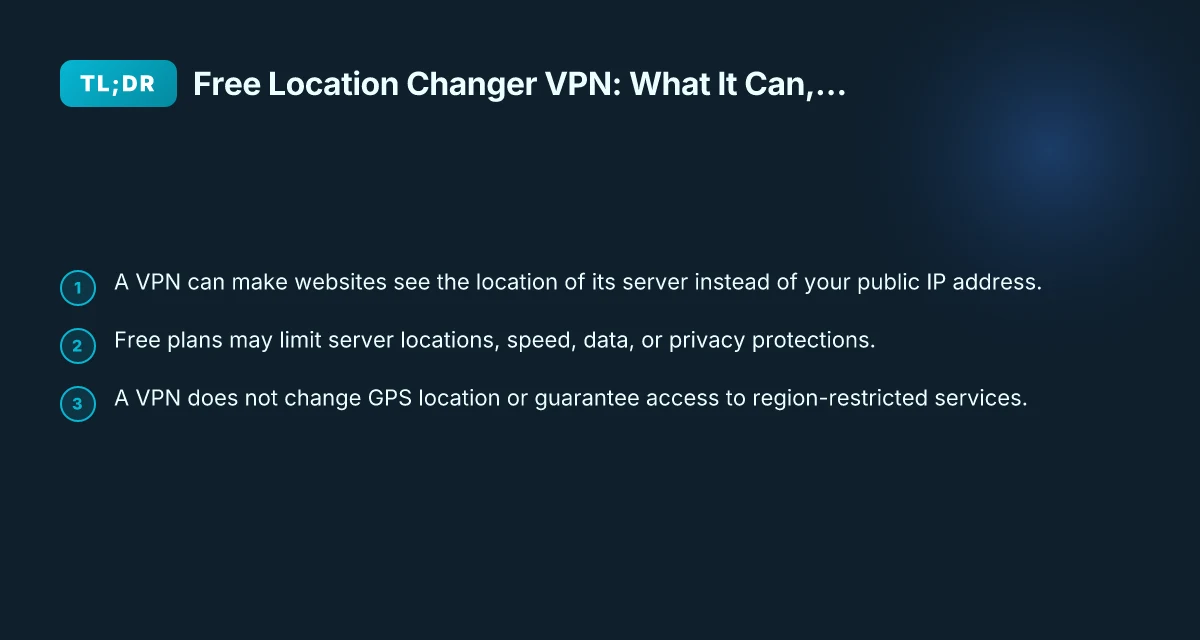
A free location changer VPN is a VPN service with a no-cost plan that lets you connect through a server in another location. Websites may then see the server’s IP address rather than your own, making it appear that your internet connection comes from a different region. The effect is limited: a VPN changes your apparent IP location, not your device’s GPS position, and free plans often have meaningful trade-offs.

Editor's pick: NordVPN — fast, secure VPN — Strong encryption, a no-logs policy and apps for every device. 30-day money-back guarantee. Get NordVPN →
What a location changer VPN changes—and what it doesn’t
| Signal or setting | Changed by a VPN? | What it represents | What may still reveal location |
|---|---|---|---|
| Public IP address | Yes | Network address seen by websites | VPN connection may expose the original IP if it leaks |
| Approximate IP location | Usually | Country or region associated with the VPN server | IP-location databases may be inaccurate |
| GPS location | No | Device’s satellite-derived position | Apps with location permission |
| Wi-Fi location | No | Location inferred from nearby networks | Device location services |
| Mobile network location | No | Approximate position inferred by cellular networks | Carrier and device services |
| Browser location access | No | Location shared through browser permissions | A site can request permission |
| VPN server country | User-selected, if available | Apparent country of the VPN exit server | The free plan may offer few server choices |
| Website account details | No | Location or identity information saved to an account | Profile, payment, and sign-in data |
Compiled November 2026; check the provider's site for current details.
| VPN | Obfuscation | From / month | Plan | Free plan | Refund | Alipay | UnionPay | Crypto | Website opens in China | Trustpilot | |
|---|---|---|---|---|---|---|---|---|---|---|---|
 ZoogVPN | Turn on manually Shadow | $2.49/mo | 27 months: $59.99 | Yes | 7 days | ✓ | ✓ | ✓ | ✓ | Official site blocked; our special link opens (4.4 s) | 4.2/5 (195 reviews) |
 NordVPN | Turn on manually Obfuscated Servers / NordWhisper | $3.49/mo | 27 months: $94.23 | No | 30 days | ? | ✗ | ✓ | ✓ | ✗ Blocked | 4.2/5 (51,628 reviews) |
 ExpressVPN | ✓ On by default all servers | $3.00/mo | 28 months: $84 | No | 30 days | ✗ | ✗ | ✓ | ✗ | ✗ Blocked | 4.4/5 (29,706 reviews) |
 Surfshark | ✓ On by default Camouflage, with OpenVPN | See site | See site | No | 30 days | ✗ | ✗ | ✗ | ✓ | ✗ Blocked | 4.3/5 (31,823 reviews) |
 Proton VPN | Turn on manually Stealth, free plan too | $2.99/mo | 12 months: $35.88 | Yes | 30 days | ✗ | ✗ | ✗ | ✓ | ✗ Blocked | 2.1/5 (1,040 reviews) |
 Astrill VPN | Turn on manually StealthVPN / OpenWeb | $12.50/mo | 24 months: $300 | No | See site | ✗ | ✗ | ✗ | ✓ | ✗ Blocked | 1.3/5 (110 reviews) |
 Private Internet Access | Turn on manually Shadowsocks, OpenVPN only | $2.03/mo | 40 months: $81.2 | No | 30 days | ✗ | ✗ | ✗ | ✗ | ✗ Blocked | 4.2/5 (11,033 reviews) |
 CyberGhost | Turn on manually selected servers | $2.19/mo | 28 months: $61.32 | No | 45 days | ✗ | ✗ | ✗ | ✓ | ✗ Blocked | 4.0/5 (24,178 reviews) |
 PureVPN | Turn on manually switch to OpenVPN | $1.69/mo | 60 months: $101.55 | No | 31 days | ? | ? | ✗ | ✓ | ✗ Blocked | 4.4/5 (17,994 reviews) |
 AdGuard VPN | ✓ On by default TrustTunnel | $2.99/mo | 24 months: $71.76 | Yes | 30 days | ✓ | ✗ | ✓ | ✓ | Official site blocked; our special link opens (3.7 s) | 4.3/5 (290 reviews) |
 Mullvad | Turn on manually QUIC / Shadowsocks / LWO | $5.61/mo | €5/mo | No | 14 days | ✗ | ✗ | ✗ | ✓ | ✗ Blocked | 3.2/5 (192 reviews) |
 Windscribe | Turn on manually Stealth / WStunnel | $5.75/mo | 12 months: $69 | Yes | See site | ✗ | ✗ | ✗ | ✓ | ✗ Blocked | 4.7/5 (13,355 reviews) |
 StrongVPN | Turn on manually Scramble, OpenVPN TCP | See site | See site | No | 30 days | ✓ | ✗ | ✗ | ✗ | ✗ Blocked | 4.4/5 (2,695 reviews) |
 LightXtreme 闪连 | Not listed | $7.08/mo | 12 months: $84.99 | Yes | 30 days | ✓ | ✓ | ✓ | ✓ | ✓ Yes (3.5 s) | No page |
Prices checked 2026-11-10 on each vendor's pricing page (cheapest long plan, USD). Check the vendor's checkout for the final price.
Obfuscation checked 2026-11-14 on each vendor's site and help center: "on by default" = nothing to set; "turn on manually" = switch protocol or mode in settings; "not listed" = the vendor describes no obfuscation.
Payment methods checked 2026-11-10 on each vendor's payment pages: all 14 take cards and PayPal; ✗ = not listed, ? = the vendor's own pages disagree.
China access: whether the official website opens from mainland China networks (tests the website only, not the VPN connection). Last checked 2026-11-18 01:02 Beijing time.
Trustpilot score and review count checked 2026-11-10.
What a location changer VPN actually changes
When you connect to a VPN, your internet traffic travels through a VPN server before reaching the websites and apps you use. Those services generally see the server’s public IP address. Because IP addresses are associated with approximate locations, your apparent location may change.
That can be useful for:
- Improving privacy on public Wi-Fi by encrypting traffic between your device and the VPN server.
- Checking how a website appears to visitors in a supported region.
- Using a trusted network connection while travelling.
A VPN does not make you completely anonymous. Websites may still identify you through account sign-ins, cookies, browser settings, or other information. Your internet provider may also see that you are connected to a VPN, even though the VPN helps shield the contents of your traffic from the provider.
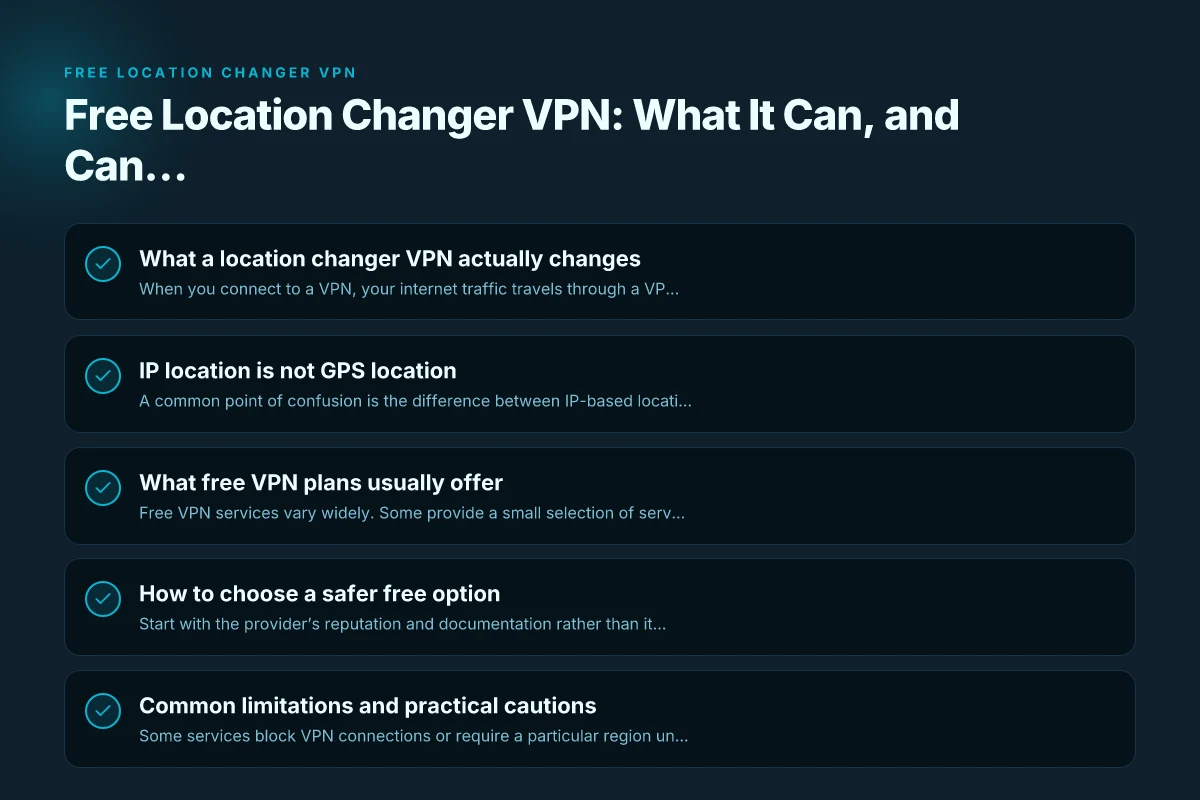
IP location is not GPS location
A common point of confusion is the difference between IP-based location and GPS. A VPN can change the apparent location associated with your public IP address, but it normally cannot change the location reported by your phone’s GPS hardware. Best Free VPN That Lets You Pick Locations: Top Options and Trade-Offs
Apps can use several signals to estimate where you are, including:
- GPS and other device location services.
- Nearby Wi-Fi networks and mobile towers.
- Your IP address.
- Account details or location information you have provided.
As a result, an app may continue to show your actual location after you connect to a VPN. You can review an app’s location permissions in your device settings, but denying permission may limit how the app works. Avoid tools that claim to override GPS unless you understand their risks and the rules that apply to your device and the service you are using.
Free VPN plan comparison checklist
| Option to compare | What to check | A useful sign | A possible limitation |
|---|---|---|---|
| Data allowance | Whether use is capped | Clear allowance and reset terms | Browsing or streaming may use it quickly |
| Server locations | Countries and regions included | Locations are listed before signup | Free choices may be limited |
| Connection speed | Published limits or plan notes | Performance terms are explained | Speeds may vary or be restricted |
| Device support | Supported operating systems | Your devices are explicitly listed | Some apps or platforms may be excluded |
| Privacy policy | Data collected and retention | Plain explanation of logging and deletion | Vague terms make practices hard to assess |
| Business model | How the free service is funded | Funding is disclosed | Advertising or data practices may warrant scrutiny |
| Security details | Encryption and leak protections | Protections are described clearly | Marketing claims may omit important details |
| Upgrade terms | Paid-plan prompts and conditions | Costs and renewal terms are visible | Free features may be tied to an upgrade |
Compiled November 2026; check the provider's site for current details. FortiClient VPN 7.4.3 Download: Official Sources and Safe Installation
What free VPN plans usually offer
Free VPN services vary widely. Some provide a small selection of servers and a monthly data allowance, while others impose speed limits, queues, or restrictions on which features are available. “Free” does not automatically mean unsafe, but it is worth checking how the provider pays for the service and what data it collects.
| Feature | Common free-plan limitation | What to check |
|---|---|---|
| Server locations | Fewer countries or locations | Whether the region you need is available |
| Data | Monthly caps or daily limits | How much data browsing or video uses |
| Speed | Congestion or reduced speeds | Whether the plan suits calls, downloads, or streaming |
| Privacy | Varying logging and tracking policies | The privacy policy and independent audits |
| Features | Fewer protocols or support options | Kill switch, leak protection, and device support |
A free plan may be enough for occasional browsing, but it may not suit heavy use. If a provider’s business model is unclear, or its app requests unrelated permissions, look for another option.
How to choose a safer free option
Start with the provider’s reputation and documentation rather than its marketing claims. Look for a clear privacy policy that explains what information is collected, how long it is retained, and whether it is shared. Independent security audits can add confidence, although an audit is not a guarantee that every risk has been eliminated.
Before installing an app, check: VPN for Microsoft Edge Extension: What to Choose and How to Use It
- The source: Download it from the provider’s official site or a reputable app store.
- The privacy terms: Understand what connection data, device details, or usage information may be recorded.
- The security features: Look for current VPN protocols, leak protection, and a kill switch where available.
- The business model: Be cautious if the service relies on intrusive advertising or does not explain how it is funded.
- The limits: Confirm server locations, data allowances, and speed restrictions before relying on it.
After connecting, you can use a reputable IP-checking website to see whether your public IP address appears to have changed. This checks the IP location, not GPS, and it does not prove that every app or website is using the VPN connection.
Safer-use decision guide
| Situation | What to do | Why it matters | Practical caution |
|---|---|---|---|
| Choosing a provider | Read its privacy policy | Reveals collection and retention practices | Do not assume “free” means private |
| Installing an app | Use an official app store or provider site | Helps reduce the risk of fake software | Check the publisher name |
| Granting permissions | Allow only what the VPN needs | Unneeded access can expose device data | A VPN does not need GPS to change your IP |
| Checking location | Compare the public IP location before and after connecting | Confirms the apparent IP location changed | It does not test GPS or other location signals |
| Visiting sensitive accounts | Use trusted networks and strong account security | A VPN does not protect every part of an account | Sites can still identify you by login details |
| Using public Wi-Fi | Connect to a trusted VPN and use HTTPS sites | Adds a layer of network privacy | It does not make every connection risk-free |
| Needing a specific country | Confirm that the free plan offers it | Free server choices may be limited | Server availability can change |
| Experiencing a leak or failure | Disconnect and review VPN settings | The original IP may become visible | Avoid sensitive activity until protection is restored |
Compiled November 2026; check the provider's site for current details.
Common limitations and practical cautions
Some services block VPN connections or require a particular region under their terms. A VPN is not a reliable way to bypass every location restriction, and trying to do so may violate a service’s rules or local laws. Check the relevant terms before using one for region-specific content, purchases, or account access. Microsoft Edge VPN Free: What You Get and How to Use It
Also remember that a VPN protects only traffic routed through it. If the connection drops and the app has no effective kill switch, some traffic could use your regular connection. A VPN cannot protect you from phishing, malicious downloads, weak passwords, or unsafe websites. Keep your software updated and use good account-security practices alongside a VPN.
If your goal is to change what a particular app sees, first identify which location signal it uses. If it relies on GPS, an IP-changing VPN may not help. If it relies on IP location, a VPN server in a different region may change the result, subject to the app’s own checks.
Recommendation
Choose a free location changer VPN only if its privacy practices are clear and its limits fit your needs. For occasional browsing, a reputable free plan may be adequate. For frequent use, more locations, or dependable speeds, compare a paid plan from a well-documented provider. Treat a VPN as a way to change your apparent IP location and protect some network traffic, not as a GPS changer or a guarantee of anonymity.