SoftEther VPN Server: What It Is and How to Set It Up

Learn how a SoftEther VPN Server works, how to install it, and what to consider for security and performance.
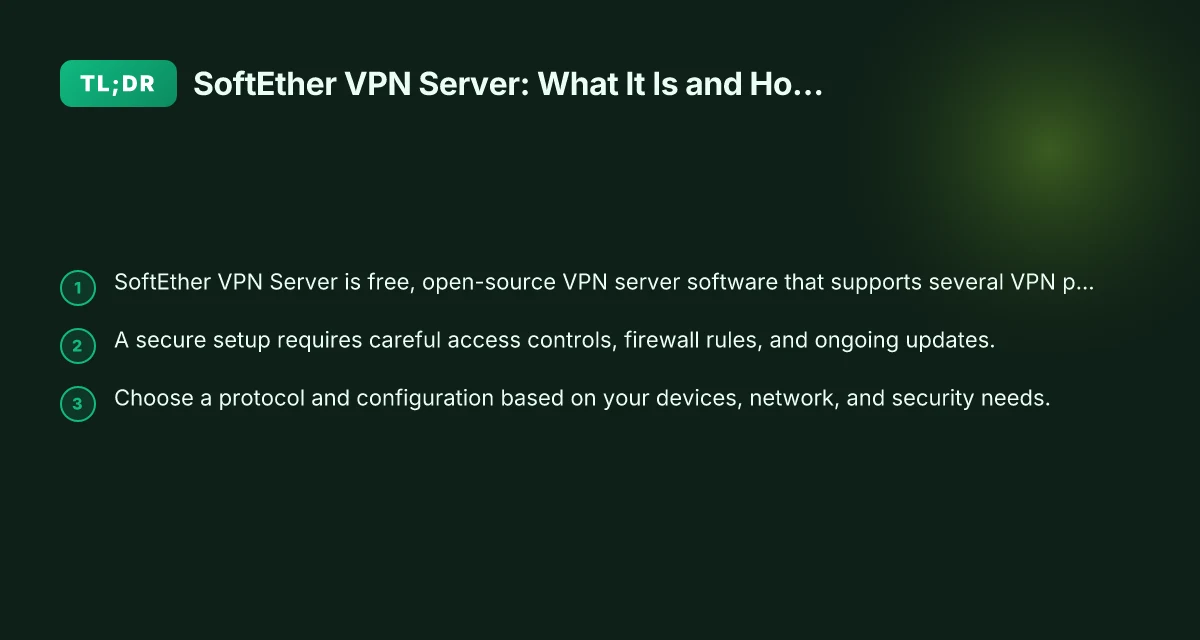
A SoftEther VPN Server is software that lets you create and manage a VPN endpoint on a computer or server you control. It can provide secure remote access to a private network or route client traffic through that server. SoftEther is known for supporting multiple VPN protocols, making it useful when clients need different connection options. However, it still needs a properly configured host, firewall, authentication, and maintenance to be safe and reliable.

Editor's pick: NordVPN — fast, secure VPN — Strong encryption, a no-logs policy and apps for every device. 30-day money-back guarantee. Get NordVPN →
SoftEther VPN Server protocol comparison
| Protocol or mode | Typical client support | NAT or firewall traversal | Main use | Key trade-off |
|---|---|---|---|---|
| SoftEther VPN | SoftEther clients | NAT traversal supported | SoftEther-to-SoftEther connections | Requires compatible client |
| OpenVPN | Broad client support | Often works through restrictive networks | Cross-platform remote access | Requires OpenVPN configuration |
| L2TP/IPsec | Built into many operating systems | May need firewall changes | Native-device connectivity | Can be harder to traverse NAT |
| IPsec | Broad support | Depends on network and configuration | Site-to-site or remote access | More complex setup |
| SSTP | Commonly supported on Windows | Uses HTTPS-style transport | Windows remote access | Less uniform support elsewhere |
| EtherIP | Limited client support | Depends on network setup | Ethernet bridging | Specialized use |
| Remote access | Compatible VPN client | Depends on selected protocol | Connect individual users | Requires user and access management |
| Site-to-site VPN | Compatible gateway or server | Depends on both networks | Connect separate networks | Requires routing and subnet planning |
Compiled November 2026; check the provider's site for current details.
| VPN | Obfuscation | From / month | Plan | Free plan | Refund | Alipay | UnionPay | Crypto | Website opens in China | Trustpilot | |
|---|---|---|---|---|---|---|---|---|---|---|---|
 ZoogVPN | Turn on manually Shadow | $2.49/mo | 27 months: $59.99 | Yes | 7 days | ✓ | ✓ | ✓ | ✓ | Official site blocked; our special link opens (4.4 s) | 4.2/5 (195 reviews) |
 NordVPN | Turn on manually Obfuscated Servers / NordWhisper | $3.49/mo | 27 months: $94.23 | No | 30 days | ? | ✗ | ✓ | ✓ | ✗ Blocked | 4.2/5 (51,628 reviews) |
 ExpressVPN | ✓ On by default all servers | $3.00/mo | 28 months: $84 | No | 30 days | ✗ | ✗ | ✓ | ✗ | ✗ Blocked | 4.4/5 (29,706 reviews) |
 Surfshark | ✓ On by default Camouflage, with OpenVPN | See site | See site | No | 30 days | ✗ | ✗ | ✗ | ✓ | ✗ Blocked | 4.3/5 (31,823 reviews) |
 Proton VPN | Turn on manually Stealth, free plan too | $2.99/mo | 12 months: $35.88 | Yes | 30 days | ✗ | ✗ | ✗ | ✓ | ✗ Blocked | 2.1/5 (1,040 reviews) |
 Astrill VPN | Turn on manually StealthVPN / OpenWeb | $12.50/mo | 24 months: $300 | No | See site | ✗ | ✗ | ✗ | ✓ | ✗ Blocked | 1.3/5 (110 reviews) |
 Private Internet Access | Turn on manually Shadowsocks, OpenVPN only | $2.03/mo | 40 months: $81.2 | No | 30 days | ✗ | ✗ | ✗ | ✗ | ✗ Blocked | 4.2/5 (11,033 reviews) |
 CyberGhost | Turn on manually selected servers | $2.19/mo | 28 months: $61.32 | No | 45 days | ✗ | ✗ | ✗ | ✓ | ✗ Blocked | 4.0/5 (24,178 reviews) |
 PureVPN | Turn on manually switch to OpenVPN | $1.69/mo | 60 months: $101.55 | No | 31 days | ? | ? | ✗ | ✓ | ✗ Blocked | 4.4/5 (17,994 reviews) |
 AdGuard VPN | ✓ On by default TrustTunnel | $2.99/mo | 24 months: $71.76 | Yes | 30 days | ✓ | ✗ | ✓ | ✓ | Official site blocked; our special link opens (3.7 s) | 4.3/5 (290 reviews) |
 Mullvad | Turn on manually QUIC / Shadowsocks / LWO | $5.61/mo | €5/mo | No | 14 days | ✗ | ✗ | ✗ | ✓ | ✗ Blocked | 3.2/5 (192 reviews) |
 Windscribe | Turn on manually Stealth / WStunnel | $5.75/mo | 12 months: $69 | Yes | See site | ✗ | ✗ | ✗ | ✓ | ✗ Blocked | 4.7/5 (13,355 reviews) |
 StrongVPN | Turn on manually Scramble, OpenVPN TCP | See site | See site | No | 30 days | ✓ | ✗ | ✗ | ✗ | ✗ Blocked | 4.4/5 (2,695 reviews) |
 LightXtreme 闪连 | Not listed | $7.08/mo | 12 months: $84.99 | Yes | 30 days | ✓ | ✓ | ✓ | ✓ | ✓ Yes (3.5 s) | No page |
Prices checked 2026-11-10 on each vendor's pricing page (cheapest long plan, USD). Check the vendor's checkout for the final price.
Obfuscation checked 2026-11-14 on each vendor's site and help center: "on by default" = nothing to set; "turn on manually" = switch protocol or mode in settings; "not listed" = the vendor describes no obfuscation.
Payment methods checked 2026-11-10 on each vendor's payment pages: all 14 take cards and PayPal; ✗ = not listed, ? = the vendor's own pages disagree.
China access: whether the official website opens from mainland China networks (tests the website only, not the VPN connection). Last checked 2026-11-18 01:02 Beijing time.
Trustpilot score and review count checked 2026-11-10.
What SoftEther VPN Server Does
SoftEther VPN Server is part of the SoftEther VPN project, an open-source VPN platform. It can run on common server operating systems and provides a central place to configure users, virtual hubs, network access, and connection protocols.
A VPN client connects to the server through an encrypted tunnel. Depending on the configuration, the client may be able to reach selected devices on the server’s local network, or send broader internet traffic through the VPN. These are different use cases: remote access to a home or office network does not automatically mean all browsing traffic is routed through the VPN.
SoftEther supports its own SoftEther VPN Protocol as well as compatibility with protocols such as L2TP/IPsec, OpenVPN, and SSTP. That flexibility can help with varied client devices, but it also means you should enable only the connection methods you actually need.
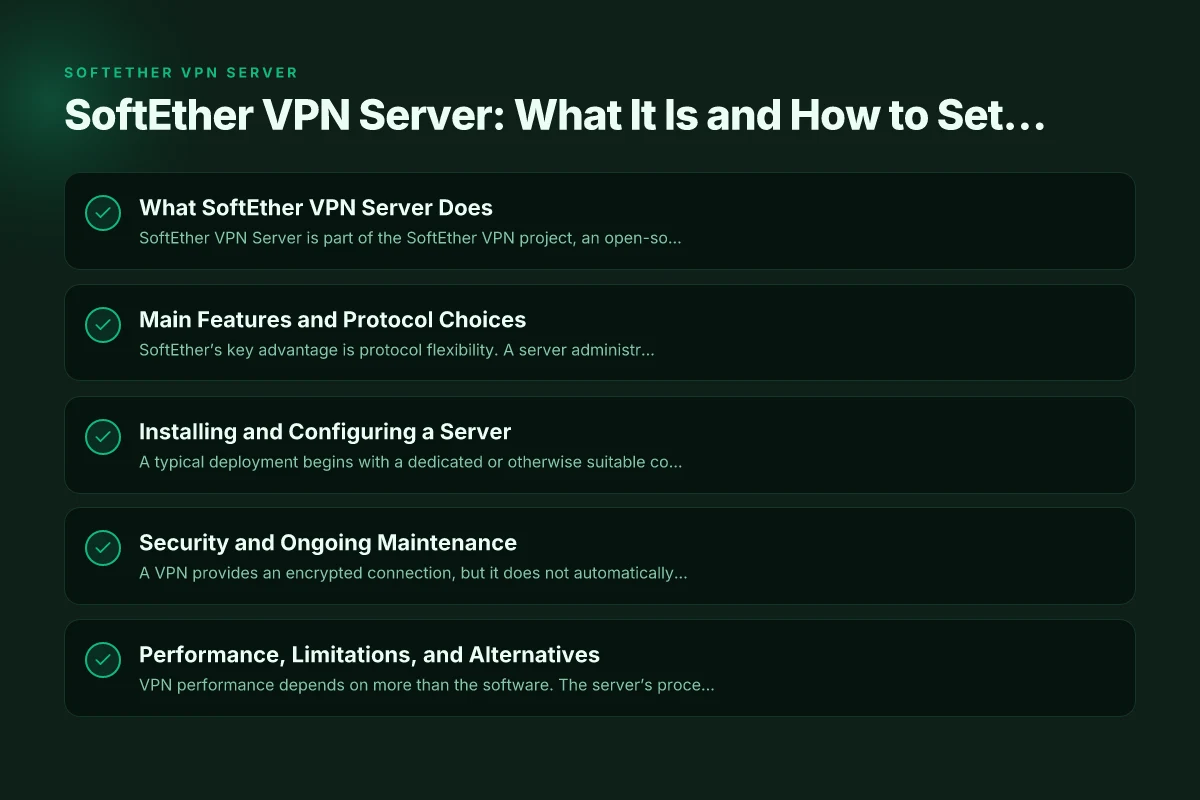
Main Features and Protocol Choices
SoftEther’s key advantage is protocol flexibility. A server administrator can configure different ways for clients to connect, subject to the software version and setup. The best choice depends on client support, network restrictions, and the organization’s security requirements. Best VPN Extensions for Edge: Top Picks and How to Choose
| Option | Potential advantage | Consideration |
|---|---|---|
| SoftEther VPN Protocol | Designed for SoftEther and supports its feature set | Clients need compatible software |
| L2TP/IPsec | Supported by many built-in device VPN clients | Requires correct IPsec and firewall configuration |
| OpenVPN compatibility | Can suit environments already using OpenVPN clients and profiles | Requires compatible configuration and client setup |
| SSTP compatibility | May be useful in some restrictive network environments | Client and server configuration must match |
Do not treat protocol support as a reason to turn everything on. Each enabled service adds configuration to maintain and may expose an additional entry point. Check current SoftEther documentation for the options available in your release, and select a protocol supported by your clients that meets your security policy.
Installing and Configuring a Server
A typical deployment begins with a dedicated or otherwise suitable computer that stays powered on and has a stable network connection. You can install SoftEther VPN Server on a supported operating system or use a hosted server. Before installation, check the project’s current documentation for operating-system requirements and official packages.
A basic setup generally involves these steps:
- Install SoftEther VPN Server from a trusted source.
- Set a strong administrator password before allowing remote management.
- Create a virtual hub and configure the users who need access.
- Choose the protocol or protocols required by your clients.
- Configure routing, bridging, or other network access deliberately.
- Set the host and network firewall rules to allow only necessary traffic.
- Test from an external network and verify what resources a client can reach.
The choice between bridging and routing affects how VPN clients interact with the private network. Bridging can make clients appear more directly connected to a local network, while routing requires appropriate routes between networks. Neither is universally better. Use the simplest configuration that provides the access users need, and avoid exposing an entire LAN when access to a few services is sufficient. FortiClient IPsec VPN: Setup, Configuration, and Troubleshooting
You may also need to configure port forwarding on a router or cloud firewall. The correct ports depend on the protocols and services you enable. Do not copy a generic port list without checking your configuration and the current documentation.
SoftEther VPN Server setup choices
| Decision | Option | Best fit | Main requirement | Consideration |
|---|---|---|---|---|
| Hosting | Self-hosted server | Control over configuration | A reachable host | You manage updates and uptime |
| Operating system | Linux | Server-focused deployments | Supported Linux system | Administration uses system tools |
| Operating system | Windows | Windows-managed environments | Supported Windows system | Keep the host maintained |
| Installation | Package or installer | Simpler deployment | Available platform package | Version and platform availability vary |
| Installation | Build from source | Custom or package-limited setups | Build tools and dependencies | More manual maintenance |
| User authentication | Password-based | Straightforward access | Strong passwords | Protect credentials |
| User authentication | Certificate-based | Stronger identity controls | Certificate provisioning | Requires certificate lifecycle management |
| Network access | Remote access VPN | Individual users | User accounts and routing | Limit access to needed networks |
| Network access | Site-to-site VPN | Connecting office networks | Routes and subnet plan | Avoid overlapping subnets |
Compiled November 2026; check the provider's site for current details.
Security and Ongoing Maintenance
A VPN provides an encrypted connection, but it does not automatically make every connected device or network secure. Treat the server as an internet-facing service and protect it accordingly. BIG-IP Edge Client VPN: What It Is and How to Connect
Important safeguards include:
- Use unique, strong passwords for administration and VPN accounts.
- Create separate accounts for users rather than sharing one login.
- Disable unused protocols, listeners, and management access.
- Restrict administrative access to trusted networks where possible.
- Keep the server operating system and SoftEther software updated.
- Review connection and system logs for unexpected activity.
- Back up configuration securely and test that you can restore it.
- Use endpoint protection and access controls on devices that join the VPN.
Authentication deserves particular attention. A VPN account may provide a path into sensitive systems, so use the strongest authentication options available in your environment and remove accounts promptly when access is no longer needed. Also consider network segmentation: VPN users should not automatically receive broad access to every device or server.
Performance, Limitations, and Alternatives
VPN performance depends on more than the software. The server’s processor, network connection, distance from users, encryption workload, and number of active connections all matter. A server with limited upload bandwidth can become a bottleneck, especially if clients route all internet traffic through it. Test with realistic workloads before relying on it for business-critical access.
SoftEther’s flexibility can be an advantage, but it can also make setup more complex. Administrators must understand the enabled protocols and how VPN clients connect to the networks behind the server. If you only need a simple VPN for a small group, another solution may be easier to operate. WireGuard, for example, is a separate VPN option often chosen for a simpler protocol model, while managed VPN services can reduce the work of maintaining infrastructure. Compare options based on device compatibility, administration, support, and security requirements rather than protocol count alone. VPN Edge extension free: How to Choose and Use One Safely
SoftEther VPN Server operational comparison
| Choice or task | Advantages | Limitations | Maintenance needs | Suitable when |
|---|---|---|---|---|
| SoftEther VPN Server | Multiple protocol choices | More options require careful configuration | Updates and access review | Flexibility is important |
| OpenVPN alternative | Broad ecosystem and client support | Separate server and client configuration | Maintain OpenVPN software | Existing OpenVPN skills or tooling |
| WireGuard alternative | Simple, modern configuration model | Different feature and compatibility profile | Manage keys and updates | A lean VPN setup is preferred |
| Hosted VPN service | Less server administration | Less control over infrastructure | Review provider and account security | Self-hosting is not practical |
| Internet-exposed server | Direct remote reachability | Public attack surface | Patch and monitor the host | Remote access is required |
| Restricted access | Smaller exposure | Requires network planning | Review rules and user permissions | Only selected services are needed |
| Password authentication | Easy to provision | Passwords can be guessed or reused | Enforce strong credentials | Simple user onboarding matters |
| Certificate authentication | Stronger device or user identity | Issuance and revocation take work | Track expiry and revoke lost credentials | Tighter identity control is needed |
Compiled November 2026; check the provider's site for current details.
Recommendation
SoftEther VPN Server is a capable choice when you need a self-managed VPN and value support for multiple client connection methods. Start with a narrowly scoped setup, enable only the protocols your users need, and test access and performance before rollout. If you cannot regularly update and monitor the server, consider a managed alternative or another solution that better fits your maintenance capacity.