Best VPN Extensions for Edge: What to Choose and How to Set One Up
Compare VPN extensions for Edge, understand their limits, and choose one that fits your privacy, streaming, and browsing needs.


VPN extensions for Edge let you route browser traffic through a VPN service without leaving Microsoft Edge. They’re useful for quick access to different server locations and added privacy while browsing, but not every extension works like a full VPN: some are encrypted proxies that cover only traffic inside the browser. The right choice depends on what you need to protect, how much control you want, and whether you trust the provider handling your data.

Editor's pick: NordVPN — fast, secure VPN — Strong encryption, a no-logs policy and apps for every device. 30-day money-back guarantee. Get NordVPN →
VPN extensions worth comparing
| Service | Edge availability | Free option | Traffic coverage | Best fit |
|---|---|---|---|---|
| Microsoft Edge Secure Network | Built into Edge | Supported | Browser traffic | Basic browsing privacy |
| NordVPN | Edge extension | No | Browser traffic | Existing NordVPN users |
| ExpressVPN | Edge extension | No | Device-wide through app | Browser control of VPN app |
| Surfshark | Edge extension | No | Browser traffic | Users seeking a browser-only option |
| Proton VPN | Edge extension | Supported | Browser traffic | Free-plan users |
| Windscribe | Edge extension | Supported | Browser traffic | Flexible browser settings |
Compiled November 2026; check the provider's site for current details.
| VPN | Obfuscation | From / month | Plan | Free plan | Refund | Alipay | UnionPay | Crypto | Website opens in China | Trustpilot | |
|---|---|---|---|---|---|---|---|---|---|---|---|
 NordVPN | Turn on manually Obfuscated Servers / NordWhisper | $3.49/mo | 27 months: $94.23 | No | 30 days | ? | ✗ | ✓ | ✓ | ✗ Blocked | 4.2/5 (51,628 reviews) |
 ExpressVPN | ✓ On by default all servers | $3.00/mo | 28 months: $84 | No | 30 days | ✗ | ✗ | ✓ | ✗ | ✗ Blocked | 4.4/5 (29,706 reviews) |
 Surfshark | ✓ On by default Camouflage, with OpenVPN | See site | See site | No | 30 days | ✗ | ✗ | ✗ | ✓ | ✗ Blocked | 4.3/5 (31,823 reviews) |
 Proton VPN | Turn on manually Stealth, free plan too | $2.99/mo | 12 months: $35.88 | Yes | 30 days | ✗ | ✗ | ✗ | ✓ | ✗ Blocked | 2.1/5 (1,040 reviews) |
 Windscribe | Turn on manually Stealth / WStunnel | $5.75/mo | 12 months: $69 | Yes | See site | ✗ | ✗ | ✗ | ✓ | ✗ Blocked | 4.7/5 (13,355 reviews) |
 ZoogVPN | Turn on manually Shadow | $2.49/mo | 27 months: $59.99 | Yes | 7 days | ✓ | ✓ | ✓ | ✓ | Official site blocked; our special link opens (4.4 s) | 4.2/5 (195 reviews) |
 Astrill VPN | Turn on manually StealthVPN / OpenWeb | $12.50/mo | 24 months: $300 | No | See site | ✗ | ✗ | ✗ | ✓ | ✗ Blocked | 1.3/5 (110 reviews) |
 Private Internet Access | Turn on manually Shadowsocks, OpenVPN only | $2.03/mo | 40 months: $81.2 | No | 30 days | ✗ | ✗ | ✗ | ✗ | ✗ Blocked | 4.2/5 (11,033 reviews) |
 CyberGhost | Turn on manually selected servers | $2.19/mo | 28 months: $61.32 | No | 45 days | ✗ | ✗ | ✗ | ✓ | ✗ Blocked | 4.0/5 (24,178 reviews) |
 PureVPN | Turn on manually switch to OpenVPN | $1.69/mo | 60 months: $101.55 | No | 31 days | ? | ? | ✗ | ✓ | ✗ Blocked | 4.4/5 (17,994 reviews) |
 AdGuard VPN | ✓ On by default TrustTunnel | $2.99/mo | 24 months: $71.76 | Yes | 30 days | ✓ | ✗ | ✓ | ✓ | Official site blocked; our special link opens (3.7 s) | 4.3/5 (290 reviews) |
 Mullvad | Turn on manually QUIC / Shadowsocks / LWO | $5.61/mo | €5/mo | No | 14 days | ✗ | ✗ | ✗ | ✓ | ✗ Blocked | 3.2/5 (192 reviews) |
 StrongVPN | Turn on manually Scramble, OpenVPN TCP | See site | See site | No | 30 days | ✓ | ✗ | ✗ | ✗ | ✗ Blocked | 4.4/5 (2,695 reviews) |
 LightXtreme 闪连 | Not listed | $7.08/mo | 12 months: $84.99 | Yes | 30 days | ✓ | ✓ | ✓ | ✓ | ✓ Yes (3.5 s) | No page |
Prices checked 2026-11-10 on each vendor's pricing page (cheapest long plan, USD). Check the vendor's checkout for the final price.
Obfuscation checked 2026-11-14 on each vendor's site and help center: "on by default" = nothing to set; "turn on manually" = switch protocol or mode in settings; "not listed" = the vendor describes no obfuscation.
Payment methods checked 2026-11-10 on each vendor's payment pages: all 14 take cards and PayPal; ✗ = not listed, ? = the vendor's own pages disagree.
China access: whether the official website opens from mainland China networks (tests the website only, not the VPN connection). Last checked 2026-11-18 01:02 Beijing time.
Trustpilot score and review count checked 2026-11-10.
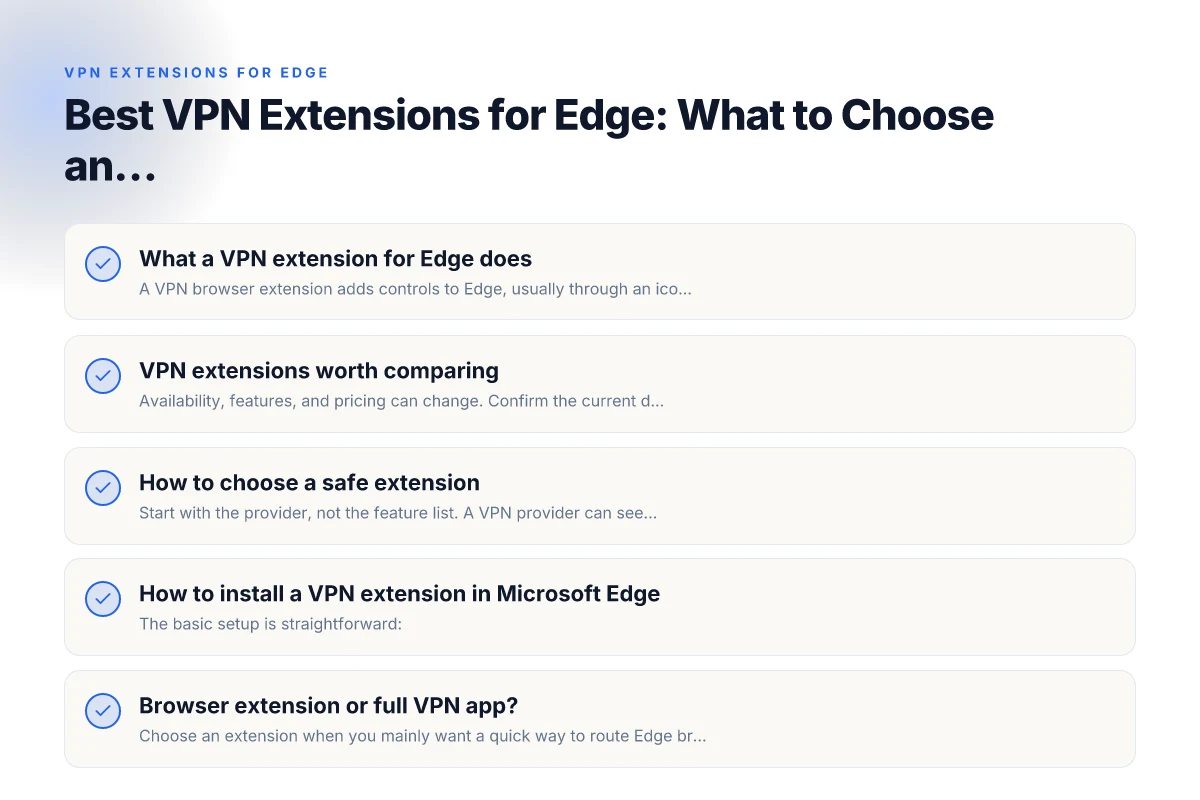
What a VPN extension for Edge does
A VPN browser extension adds controls to Edge, usually through an icon near the address bar. After signing in, you can select a server location, connect or disconnect, and sometimes enable features such as tracker blocking or automatic connection.
The important distinction is coverage. A browser extension may route only Edge traffic through the provider’s servers. Other apps on your computer, such as email clients, games, or messaging software, may continue to use your regular internet connection. A full VPN app typically protects traffic from across the device, subject to its settings and any exclusions you configure.
Extensions also vary in how they work. Some are companion controls for a VPN app. Others operate independently as browser-based proxies or encrypted tunnels. Read the provider’s description to understand exactly what is routed and what protections apply.
VPN extensions worth comparing
Availability, features, and pricing can change. Confirm the current details in the Microsoft Edge Add-ons store or on the provider’s official website before installing. Best VPN Extensions for Edge: What to Choose and How to Set Them Up
| Provider | What to look for | Best suited to |
|---|---|---|
| NordVPN | Browser controls, server selection, and privacy features that depend on the plan and extension version | Users who want an extension from an established VPN provider |
| Surfshark | Browser-based connection options and a broader VPN service available separately | Users who value simple controls and flexible plan options |
| ExpressVPN | An Edge extension designed to work with the provider’s desktop VPN app | Users who already use, or are willing to install, the full app |
| Proton VPN | Provider reputation and a separate VPN service, with Edge availability and features to verify | Users who prioritize transparent privacy practices |
| Windscribe | Browser extension options and configurable controls, subject to the current plan | Users who want to compare free and paid offerings |
Treat this as a starting list, not a guarantee that every extension will meet your needs. A free plan may have limits on data, locations, or speed. A paid subscription may unlock more options, but a higher price alone does not prove stronger privacy or better performance.
How to choose a safe Edge VPN extension
| Check | What to look for | Why it matters | Warning sign |
|---|---|---|---|
| Publisher | Verified provider name | Helps confirm who runs it | Lookalike publisher |
| Permissions | Only necessary access | Limits data exposure | Unrelated permissions |
| Privacy policy | Clear data practices | Shows what is collected | Missing or vague policy |
| Reviews | Consistent, recent feedback | Can reveal recurring issues | Repeated privacy complaints |
| Updates | Recent maintenance | Helps address security issues | Long inactivity |
| Connection details | Clear server and status information | Makes protection easier to verify | Unclear connection state |
Compiled November 2026; check the provider's site for current details.
How to choose a safe extension
Start with the provider, not the feature list. A VPN provider can see or process information about your connection, so its reputation and privacy practices matter. Look for clear explanations of what data is collected, how long it is retained, and whether the provider shares information with third parties. How Can I Tell If a VPN Is Blocking My Internet?
Before installing, check:
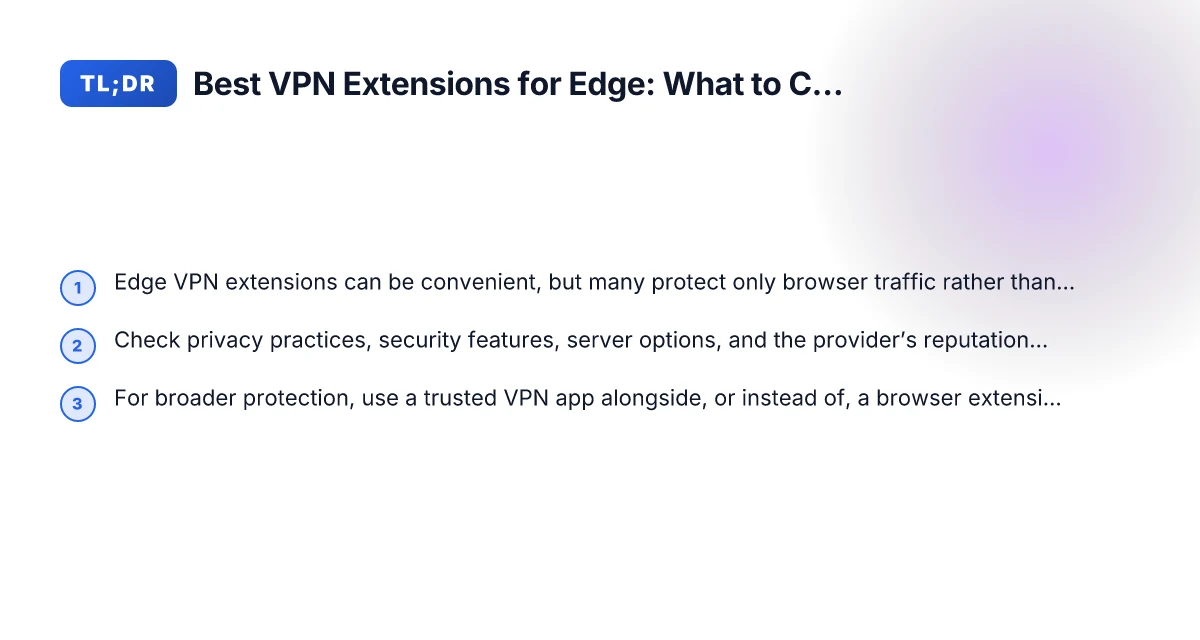
- Coverage: Does the extension protect only Edge, or does it control a full-device VPN app?
- Encryption and connection security: Does the provider explain how the connection is protected?
- Privacy policy: Are data collection, retention, and sharing practices described clearly?
- Independent reviews: Has the provider’s security or privacy approach been assessed by credible third parties?
- Features: Do you need server selection, automatic connection, a kill switch, or tracker blocking?
- Limits: Are data caps, speed restrictions, or location limits clearly disclosed?
- Support and updates: Is the extension maintained, and can you contact the provider if something goes wrong?
Install extensions only from the official Edge Add-ons store or a link on the provider’s own website. Be cautious of unfamiliar extensions that promise total anonymity, unlimited free access, or unusually broad security benefits without explaining how they work. A VPN does not make every online activity private: websites can still identify users through account sign-ins, cookies, or other browser data.
How to install a VPN extension in Microsoft Edge
The basic setup is straightforward:
- Open the Microsoft Edge Add-ons store and search for the provider’s official extension.
- Check the publisher name, description, permissions, and recent reviews.
- Select Get or Install, then confirm the requested permissions.
- Open the extension from Edge’s toolbar and sign in or create an account.
- Choose a server location and connect.
- Visit the provider’s instructions to test the connection and review any privacy settings.
If you already have the provider’s VPN app installed, check whether the extension requires it. Some extensions are intended to manage the desktop app rather than create a separate VPN connection. Free Edge VPN Extension: How It Works and What to Check Before Installing
Review the extension’s permissions before approving them. Browser extensions may request access to website data or browser activity to perform their functions. Grant only the permissions you understand and consider necessary. You can manage or remove extensions through Edge’s extensions settings.
Browser extension or full VPN app?
| Decision factor | Edge extension | Full VPN app |
|---|---|---|
| Traffic covered | Browser traffic | Device traffic |
| Setup | Install from Edge Add-ons or provider | Install the provider’s app |
| Other apps protected | No | Yes |
| Browser-only use | Suitable | Suitable |
| Device-wide protection | Not sufficient | Suitable |
| Connection control | Browser-focused | System-wide |
| Best choice when | Only Edge needs protection | All device traffic needs protection |
Compiled November 2026; check the provider's site for current details.
Browser extension or full VPN app?
Choose an extension when you mainly want a quick way to route Edge browsing through a provider and you understand that other apps may not be covered. It can also be useful when a provider offers browser-specific controls or when you want to manage an existing VPN connection from the toolbar. NordVPN Windows: How to Download, Install, and Use the App
Choose a full VPN app if you want protection for traffic beyond Edge, such as activity in other browsers or desktop applications. Check whether the app includes a kill switch and whether it reconnects automatically after interruptions. These features can reduce the chance of traffic leaving through your regular connection if the VPN drops, but they still need to be configured correctly.
Using both an extension and an app can make sense if the provider supports that setup. However, two VPN connections running at once may cause slower speeds, connection errors, or confusing server locations. Follow the provider’s setup guidance rather than assuming that more layers always mean better protection.
What VPN extensions cannot do
A VPN can help protect traffic between your device and the VPN provider, and it can make websites see the VPN server’s IP address instead of your usual one. It does not guarantee anonymity, prevent phishing, or replace antivirus and account security.
Keep these limits in mind: Microsoft Edge Secure Network VPN Reviews: Is It Safe and Worth Using?
- Websites may still recognize you when you sign in or allow tracking.
- A VPN provider may process connection information, so its policies matter.
- A browser extension may not cover traffic from other apps.
- VPN use does not automatically secure a compromised device or weak password.
- Some websites and streaming services may block VPN connections.
For sensitive accounts, use unique passwords and multifactor authentication. Keep Edge and its extensions updated, and disconnect or remove extensions you no longer use.
Recommendation
For simple browser-only use, choose a reputable VPN provider’s official Edge extension after checking its privacy policy, permissions, and coverage. If you want protection for your whole computer, install and configure the provider’s full VPN app instead. When in doubt, verify exactly what the extension routes before relying on it for privacy.