Best Free Edge VPN Extension for UK Users: What to Choose
Compare free VPN browser extensions for Microsoft Edge and learn how to choose one safely in the UK.


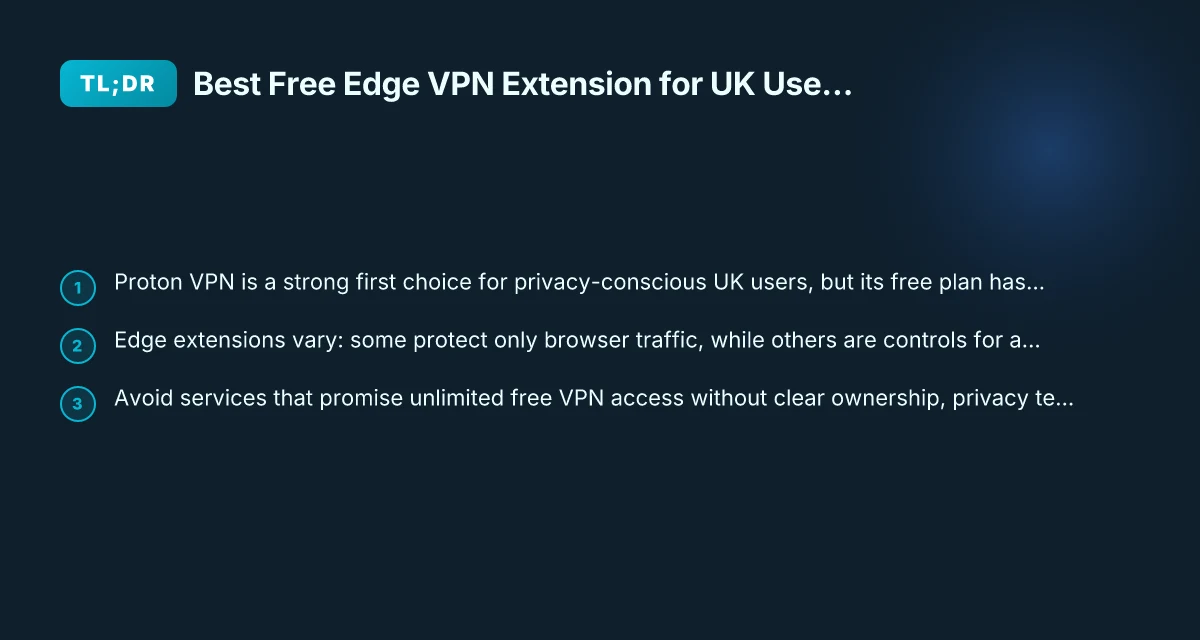
If you’re looking for the best free Edge VPN extension for the UK, start with Proton VPN if privacy is your priority, and check its current Edge support and free-plan features before installing. Its free service is known for a privacy-focused approach, but free users may face server and feature limits. If you specifically need a UK exit location, verify that the free plan includes one: a VPN extension cannot give you a UK address just because you’re browsing from the UK.
For a browser-only option, Windscribe is another established provider to consider. Its free plan has a monthly data allowance, so it may suit occasional browsing better than streaming or constant use. The right choice depends on whether you need privacy on websites, a particular country’s IP address, or protection for every app on your device.
| VPN | Obfuscation | From / month | Plan | Free plan | Refund | Alipay | UnionPay | Crypto | Website opens in China | Trustpilot | |
|---|---|---|---|---|---|---|---|---|---|---|---|
 Proton VPN | Turn on manually Stealth, free plan too | $2.99/mo | 12 months: $35.88 | Yes | 30 days | ✗ | ✗ | ✗ | ✓ | ✗ Blocked | 2.1/5 (1,040 reviews) |
 Windscribe | Turn on manually Stealth / WStunnel | $5.75/mo | 12 months: $69 | Yes | See site | ✗ | ✗ | ✗ | ✓ | ✗ Blocked | 4.7/5 (13,355 reviews) |
 ZoogVPN | Turn on manually Shadow | $2.49/mo | 27 months: $59.99 | Yes | 7 days | ✓ | ✓ | ✓ | ✓ | Official site blocked; our special link opens (4.4 s) | 4.2/5 (195 reviews) |
 NordVPN | Turn on manually Obfuscated Servers / NordWhisper | $3.49/mo | 27 months: $94.23 | No | 30 days | ? | ✗ | ✓ | ✓ | ✗ Blocked | 4.2/5 (51,628 reviews) |
 ExpressVPN | ✓ On by default all servers | $3.00/mo | 28 months: $84 | No | 30 days | ✗ | ✗ | ✓ | ✗ | ✗ Blocked | 4.4/5 (29,706 reviews) |
 Surfshark | ✓ On by default Camouflage, with OpenVPN | See site | See site | No | 30 days | ✗ | ✗ | ✗ | ✓ | ✗ Blocked | 4.3/5 (31,823 reviews) |
 Astrill VPN | Turn on manually StealthVPN / OpenWeb | $12.50/mo | 24 months: $300 | No | See site | ✗ | ✗ | ✗ | ✓ | ✗ Blocked | 1.3/5 (110 reviews) |
 Private Internet Access | Turn on manually Shadowsocks, OpenVPN only | $2.03/mo | 40 months: $81.2 | No | 30 days | ✗ | ✗ | ✗ | ✗ | ✗ Blocked | 4.2/5 (11,033 reviews) |
 CyberGhost | Turn on manually selected servers | $2.19/mo | 28 months: $61.32 | No | 45 days | ✗ | ✗ | ✗ | ✓ | ✗ Blocked | 4.0/5 (24,178 reviews) |
 PureVPN | Turn on manually switch to OpenVPN | $1.69/mo | 60 months: $101.55 | No | 31 days | ? | ? | ✗ | ✓ | ✗ Blocked | 4.4/5 (17,994 reviews) |
 AdGuard VPN | ✓ On by default TrustTunnel | $2.99/mo | 24 months: $71.76 | Yes | 30 days | ✓ | ✗ | ✓ | ✓ | Official site blocked; our special link opens (3.7 s) | 4.3/5 (290 reviews) |
 Mullvad | Turn on manually QUIC / Shadowsocks / LWO | $5.61/mo | €5/mo | No | 14 days | ✗ | ✗ | ✗ | ✓ | ✗ Blocked | 3.2/5 (192 reviews) |
 StrongVPN | Turn on manually Scramble, OpenVPN TCP | See site | See site | No | 30 days | ✓ | ✗ | ✗ | ✗ | ✗ Blocked | 4.4/5 (2,695 reviews) |
 LightXtreme 闪连 | Not listed | $7.08/mo | 12 months: $84.99 | Yes | 30 days | ✓ | ✓ | ✓ | ✓ | ✓ Yes (3.5 s) | No page |
Prices checked 2026-11-10 on each vendor's pricing page (cheapest long plan, USD). Check the vendor's checkout for the final price.
Obfuscation checked 2026-11-14 on each vendor's site and help center: "on by default" = nothing to set; "turn on manually" = switch protocol or mode in settings; "not listed" = the vendor describes no obfuscation.
Payment methods checked 2026-11-10 on each vendor's payment pages: all 14 take cards and PayPal; ✗ = not listed, ? = the vendor's own pages disagree.
China access: whether the official website opens from mainland China networks (tests the website only, not the VPN connection). Last checked 2026-11-18 01:02 Beijing time.
Trustpilot score and review count checked 2026-11-10.

Editor's pick: NordVPN — fast, secure VPN — Strong encryption, a no-logs policy and apps for every device. 30-day money-back guarantee. Get NordVPN →
How free Edge VPN options compare for UK users
| Option | UK suitability | Free allowance | Edge support | Privacy check |
|---|---|---|---|---|
| Browser VPN extension | Depends on provider | Check current plan | Edge add-on or compatible extension | Read logging policy |
| VPN with an Edge extension | Depends on server locations | Check current plan | Dedicated extension may be available | Check company policy |
| VPN desktop app | Can offer UK locations | Check free plan limits | Protects browser traffic through the app | Review permissions |
| Proxy-style extension | Depends on proxy locations | Often limited or ad-supported | May be easy to add | Verify encryption claims |
| Built-in browser protection | Not necessarily a VPN | Usually included | Check Edge settings | Review what traffic is covered |
| Paid VPN free trial | May include UK servers | Trial terms apply | Extension or app may be available | Check renewal terms |
Compiled November 2026; check the provider's site for current details.
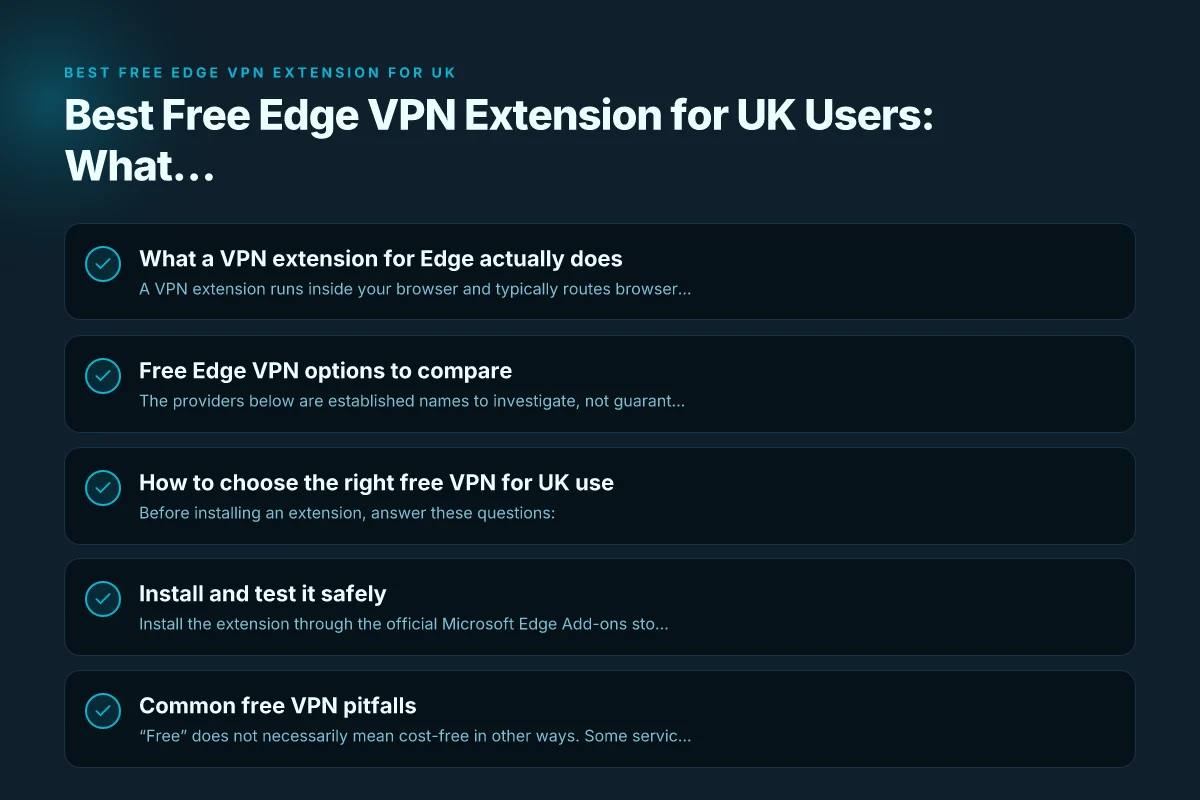
What a VPN extension for Edge actually does
A VPN extension runs inside your browser and typically routes browser traffic through a VPN provider’s servers. This can hide your home IP address from websites and help protect browsing on public Wi-Fi, depending on how the extension is designed.
An extension is not always a full VPN. Some browser add-ons work independently and protect only Edge traffic. Others are companions to a desktop VPN app and may require that app to be installed and running. If you want to protect email, games, or other applications outside Edge, choose a full VPN app rather than relying on a browser extension alone.
A VPN also does not make you completely anonymous. Websites may still identify you through account logins, cookies, browser fingerprinting, or information you share. It does not replace antivirus software or make unsafe downloads trustworthy.
Free Edge VPN options to compare
The providers below are established names to investigate, not guarantees of specific features. Free-plan limits and extension availability can change, so check the provider’s official site and the Microsoft Edge Add-ons listing before installing. Best VPN for Edge Free: Top Free Options and What to Know
| Provider | Free-plan considerations | Best suited to |
|---|---|---|
| Proton VPN | Free access is generally limited compared with paid plans; check whether UK server selection is available | Privacy-conscious browsing |
| Windscribe | Free accounts have a data allowance and may require account registration | Light or occasional browsing |
| TunnelBear | Free use has a relatively small data allowance | Trying a VPN or short browsing sessions |
| VPN add-on linked to a desktop app | May require a separate app and subscription for full features | People who want browser controls alongside device-wide VPN protection |
These options differ in how they handle data, server access, and account requirements. A service that offers unlimited data may still impose speed limits, restrict locations, or reserve important features for paying customers. Read the current terms rather than judging a VPN by one headline claim.
Proton VPN
Proton VPN is a sensible place to start if you value a provider with a strong public focus on privacy. Its free tier can be useful for everyday browsing, but do not assume it includes every feature available to paid users. In particular, confirm the available server countries if your goal is to appear to browse from the UK or another specific location.
Windscribe
Windscribe may suit users who want more control over browser settings and are comfortable with a monthly data cap. Check the allowance shown when you sign up, because limits and account requirements can change. A cap can disappear quickly with video, large downloads, or frequent use.
TunnelBear and app-linked extensions
TunnelBear’s free allowance can be handy for testing a VPN or protecting a short session, but it is generally not designed for heavy daily use. Some other Edge extensions are interfaces for a full VPN application rather than independent browser VPNs. Read the listing carefully so you know what you are installing and what needs to run in the background. VPN to Change Location Free: What Works and What to Check
Choosing a free VPN for UK use
| Decision factor | What to look for | Why it matters | How to check |
|---|---|---|---|
| UK server access | UK location listed | Helps with UK-based browsing needs | Check server list |
| Data limits | Clear allowance | Limits how much you can use | Read plan details |
| Speed limits | Limits explained | Affects streaming and downloads | Review free-tier terms |
| Privacy policy | Clear logging and data practices | Shows how activity may be handled | Read the policy |
| Edge compatibility | Current Edge support | Avoids installation problems | Check the Edge Add-ons listing |
| Permissions | Relevant, explained access | Reduces unnecessary data exposure | Review the install prompt |
| Support | Help or troubleshooting available | Useful if the extension stops working | Check support options |
Compiled November 2026; check the provider's site for current details.
How to choose the right free VPN for UK use
Before installing an extension, answer these questions:
- Do you need a UK IP address? Check that the free plan offers a UK server you can select. A provider may have UK servers only for paid customers.
- Do you need browser-only or device-wide protection? A browser extension usually covers Edge, not every app on your computer.
- Is there a data cap? A small allowance may be enough for reading and email but unsuitable for video calls or streaming.
- What information does the provider collect? Read its privacy policy and look for clear explanations of logs, diagnostics, and account data.
- Is the extension published by the real provider? Confirm the developer name, official website, permissions, and user reviews in the Edge Add-ons store.
- Can you reach support or find security details? Transparent ownership and clear documentation are better signs than extravagant promises.
For UK users, also consider what you want the VPN to do. If you need privacy on public Wi-Fi, server location may matter less than reliable encryption and a trustworthy provider. If you need access to a UK-specific service while abroad, location availability and the service’s own terms become more important. A free extension may not reliably unblock streaming platforms, and VPN use does not override a service’s rules. Best Free VPN for Microsoft Edge: Top Options and What to Know
Install and test it safely
Install the extension through the official Microsoft Edge Add-ons store or a link from the provider’s own website. Avoid downloading an extension file from an unfamiliar site. Check permissions before approving them: a VPN may need broad access to browser traffic, but that makes it especially important to verify who operates it.
After installation, review the extension’s settings. Turn on any available protection against accidental traffic leaks, and check whether it disconnects when Edge closes. If the provider offers a connection test or leak test, use it to confirm that your apparent IP address changes as expected. Do not enter sensitive information on a site simply because the VPN is active.
Keep Edge and the extension updated. Remove add-ons you no longer use, and be wary of extensions that ask for unrelated permissions or display intrusive advertising. If you switch between several VPN extensions, disable the ones you are not using to avoid conflicts.
Safe installation and testing checklist Best VPN Extensions for Edge: What to Choose and How to Set One Up
| Step | Action | Look for | If it fails |
|---|---|---|---|
| Verify the publisher | Use the official Edge Add-ons listing | Recognisable provider and clear details | Do not install |
| Read the terms | Check privacy and free-plan limits | Logging, data caps, and renewal terms | Choose another option |
| Review permissions | Inspect access requested by Edge | Permissions that match the service | Cancel if unclear |
| Install the extension | Add it through Edge | Extension appears in the toolbar | Remove it and retry from the official listing |
| Connect to a UK location | Select a UK server if offered | Connection status shown in the extension | Check plan limits or support |
| Test your connection | Check the displayed location and browsing | Expected location and working sites | Disconnect and investigate |
| Check for leaks | Use a reputable IP or DNS test | No unexpected real location or DNS result | Stop using the extension |
| Remove when finished | Disable or uninstall if no longer needed | Extension no longer has access | Review Edge extensions |
Compiled November 2026; check the provider's site for current details.
Common free VPN pitfalls
“Free” does not necessarily mean cost-free in other ways. Some services fund their products through advertising, limited features, or paid upgrades. Others may collect more information than users expect. Treat promises such as “complete anonymity,” “unlimited speed,” or “access to every streaming service” with caution unless the provider explains how its service works and what limitations apply.
A VPN can also slow down browsing because traffic travels through an additional server. Free plans may have fewer servers or more crowded connections, so performance can vary by time and location. If you encounter frequent disconnects, unclear privacy terms, or pressure to install unrelated software, uninstall the extension and choose a better-documented provider.
Recommendation
For a free Edge VPN extension in the UK, try Proton VPN first if privacy is your main concern, but verify its current Edge support and whether the free tier includes the location you need. Consider Windscribe for occasional use if its data allowance fits your habits. If you need a guaranteed UK server, consistent streaming, or protection across all your apps, compare paid VPN plans instead of relying on a free browser extension. Best VPN Extensions for Edge: What to Choose and How to Set Them Up