Clash Free: How to Find and Enjoy Conflict-Free Games
Learn what “clash free” means in gaming, how to check for conflicts, and how to choose a smoother play experience.
If you’re looking for a clash free game or setup, start by checking what “clash free” means in that specific context. It can refer to avoiding software or hardware conflicts, preventing overlapping controls or settings, or finding activities that do not compete with other commitments. The phrase is not one universal technical standard, so the best choice depends on what you want to avoid.

Compatibility checklist for choosing a Clash free game
| Check | What to verify | Good sign | Warning sign |
|---|---|---|---|
| Platform | Your device and operating system | Explicitly supported | Platform not listed |
| Game version | Version matches your group’s | Same current version | Different or unclear versions |
| Cross-play | Players on different platforms can join | Cross-play is supported | Cross-play is unavailable |
| Multiplayer mode | The mode you want works for your group | Mode is confirmed compatible | Mode has restrictions |
| Network | Connection requirements are suitable | Stable connection is enough | Special setup is required |
| Mods | Everyone uses compatible modifications | Same mods or no mods | Mod mismatch |
| Region | Players can connect across regions | Regions are supported | Region restrictions apply |
| Evidence | Compatibility details are current | Confirmed in official information | Claim is vague or outdated |
Compiled November 2026; check the provider's site for current details.
What “Clash free” means
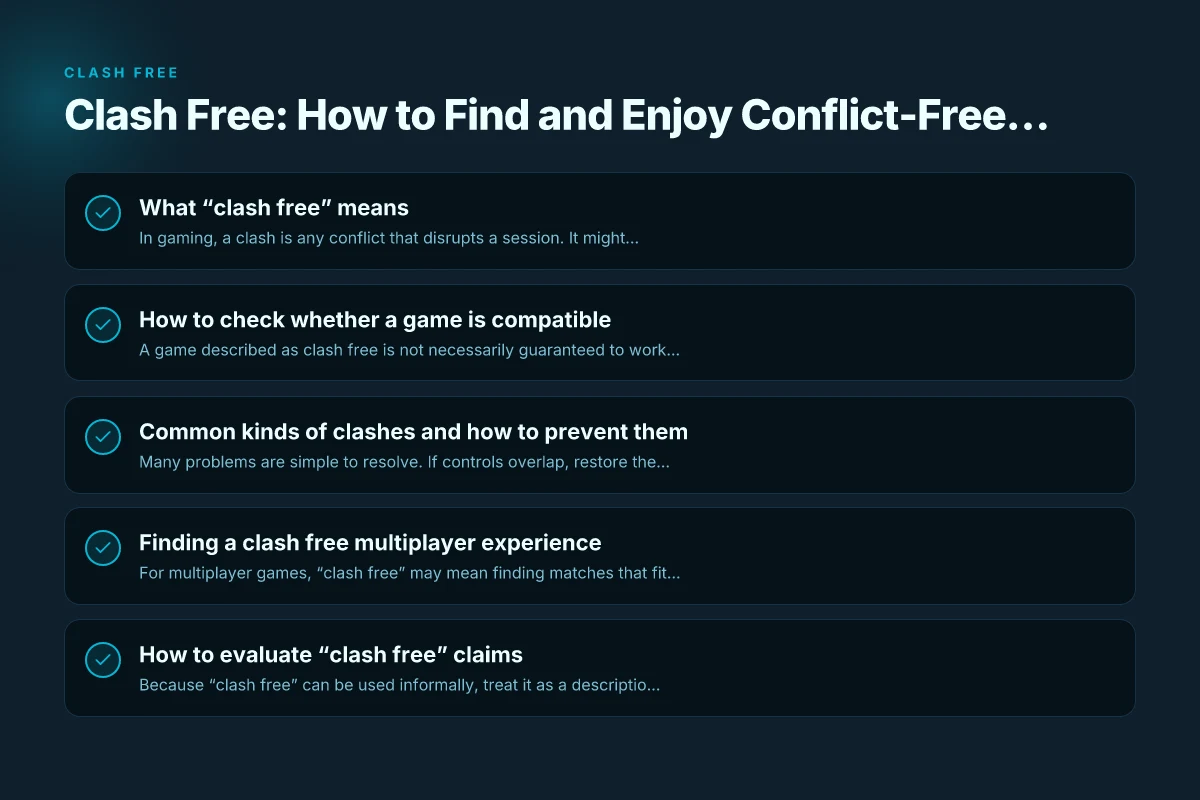
In gaming, a clash is any conflict that disrupts a session. It might be a game that does not work properly with your device, a controller setting that interferes with another input, or a multiplayer match scheduled at an inconvenient time. A clash free experience aims to reduce those problems.
The phrase can also appear in searches for a particular title, product, event, or service. In that case, the intended meaning may be narrower. For example, someone may be asking about compatibility with a specific operating system, whether two features can be used together, or whether an event conflicts with another date.
Before choosing anything, identify the kind of clash you want to avoid:
- Technical conflicts: Crashes, incompatible software, or unsupported devices.
- Control conflicts: Overlapping key bindings, controller profiles, or accessibility settings.
- Schedule conflicts: Matches, events, or sessions that happen at the same time as other commitments.
- Content conflicts: A game’s themes or features not matching your preferences.
- Product confusion: Mistaking one game, service, or brand for another with a similar name.
How to check whether a game is compatible
A game described as clash free is not necessarily guaranteed to work on every device or alongside every program. Compatibility depends on your hardware, operating system, game version, and any software running in the background. FortiGate IPsec VPN: Setup, Troubleshooting, and Best Practices
Review the game’s official system requirements and compare them with your device. Pay attention to the minimum requirements, which indicate whether the game may run, and recommended requirements, which give a better idea of the intended experience. Also check the supported operating systems and whether the game requires a specific launcher, account, or internet connection.
Before installing, look for:
- Recent release notes and known-issue notices.
- Compatibility information from the developer or platform.
- Reviews from players using a similar device or operating system.
- Requirements for anti-cheat tools, overlays, or background applications.
- The return or refund policy, where applicable.
If a game launches but performs poorly, update the game and your device drivers through trusted sources. Close unnecessary background applications and check the developer’s support guidance. Avoid downloading unofficial “fixes” unless you can verify their source. They may create security or stability problems of their own.
Common game clashes and ways to prevent them VPN FortiGate: How It Works and How to Choose the Right Setup
| Clash type | Typical cause | Prevention | Before playing |
|---|---|---|---|
| Version mismatch | Different game updates | Update to the same version | Check version numbers |
| Platform mismatch | Platforms cannot play together | Confirm cross-play support | Verify platform list |
| Mod conflict | Different or incompatible mods | Use matching mods or disable them | Compare mod lists |
| Network issue | Firewall or connection settings | Check network requirements | Test a multiplayer connection |
| Account restriction | Different account or service requirements | Follow the game’s account rules | Confirm accounts are linked |
| Region restriction | Separate regional matchmaking | Choose a supported region | Check region settings |
| Mode limitation | Some modes exclude cross-play | Select a compatible mode | Review mode-specific rules |
| Outdated information | Compatibility changed after an update | Recheck official guidance | Confirm details are current |
Compiled November 2026; check the provider's site for current details.
Common kinds of clashes and how to prevent them
| Potential clash | What it can look like | What to check |
|---|---|---|
| Device compatibility | The game will not launch or runs badly | System requirements, updates, and supported hardware |
| Software conflict | Crashes or unusual behavior when another app is open | Overlays, recording tools, security software, and known issues |
| Control conflict | Buttons trigger the wrong actions | Key bindings, controller profiles, and input settings |
| Multiplayer timing | You miss a session or event | Time zone, event schedule, and registration details |
| Account or platform mismatch | Progress or purchases are unavailable | Account linking, supported platforms, and cross-play rules |
Many problems are simple to resolve. If controls overlap, restore the default settings and adjust one binding at a time. If a multiplayer session conflicts with your schedule, confirm the start time in your local time zone. If an account or platform issue is involved, check the game’s official instructions before linking accounts or making a purchase.
Finding a Clash free multiplayer experience
For multiplayer games, “clash free” may mean finding matches that fit your availability and preferred style of play. Check whether the game supports casual sessions, flexible matchmaking, private lobbies, or drop-in play. These options can make it easier to play without committing to a long event.
If you are joining a group or tournament, verify the details rather than relying on a brief listing. Confirm the date, time zone, match format, entry requirements, and whether the event is online or in person. Look for recent updates in the organizer’s official channel, since schedules can change. Com.NordVPN.Android: What It Is and How to Use the NordVPN Android App
It is also useful to check communication and moderation features. Clear rules, reliable reporting tools, and options to mute or block users can make multiplayer sessions more comfortable. These features do not eliminate every disagreement, but they help you manage unwanted interactions.
Evaluating claims about a “Clash free” multiplayer experience
| Evaluation point | Strong evidence | Weak evidence | Reader’s next step |
|---|---|---|---|
| Specificity | Names supported platforms and modes | Says only “works together” | Look for a compatibility list |
| Source | Official support or game documentation | Unattributed promotional claim | Check the official source |
| Recency | Information reflects the current version | No date or old details | Verify after recent updates |
| Cross-play scope | States which platforms can connect | Implies all platforms are supported | Confirm your platform combination |
| Restrictions | Clearly explains limits | Omits regions or modes | Read the exceptions |
| Player reports | Recent reports agree with the claim | Reports are mixed or outdated | Compare recent experiences |
| Testing | Offers a clear way to test joining | No test or troubleshooting guidance | Try a private session |
| Transparency | Explains known compatibility issues | Guarantees a perfect experience | Treat absolute promises cautiously |
Compiled November 2026; check the provider's site for current details.
How to evaluate “Clash free” claims
Because “clash free” can be used informally, treat it as a description rather than a promise. A store page or advertisement may use the phrase to suggest smooth compatibility, but you should look for specific evidence: supported devices, tested software, available accessibility options, or a clearly stated event schedule. Certificate Validation Failure Cisco VPN: Causes and Fixes
When comparing options, ask:
- Does the claim explain which conflicts are avoided?
- Is the information current and provided by a reliable source?
- Does it apply to your device, region, and account?
- Are there limitations hidden in the requirements or terms?
- Can you test the product or service before making a commitment?
Be cautious of sites that promise guaranteed performance or ask you to install unfamiliar software to make a game “conflict free.” Use official stores and developer support pages whenever possible, and do not share account credentials with third-party tools.
Recommendation
To get a clash free experience, first define the problem you want to avoid, then verify the relevant details: device compatibility, settings, account requirements, or scheduling. Prefer current information from official sources, and test the setup before investing significant time or money. That simple check is more reliable than assuming the phrase “clash free” guarantees a perfect experience.