How to Fix Virgin TV Go App Not Working With VPN
Troubleshoot Virgin TV Go VPN errors with practical checks for location, app settings, network connections, and account access.


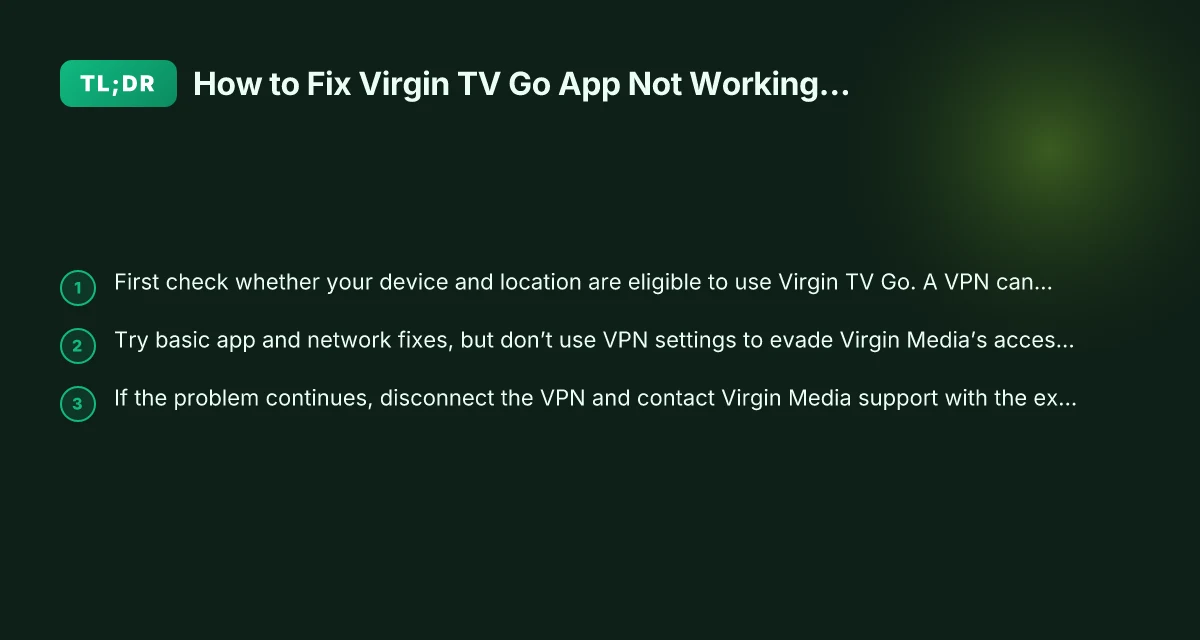
If Virgin TV Go is not working while you use a VPN, disconnect the VPN and try the app again on a supported device and network. Virgin TV Go may restrict access based on your location, account, device, or the content’s rights, and a VPN can interfere with those checks. If the service works without the VPN, the VPN connection is likely the cause. If it still fails, troubleshoot the app, account, and internet connection.

Editor's pick: NordVPN — fast, secure VPN — Strong encryption, a no-logs policy and apps for every device. 30-day money-back guarantee. Get NordVPN →
Virgin TV Go VPN troubleshooting decision guide
| Check | What to do | If it works | If it still fails |
|---|---|---|---|
| Location | Check you are in an eligible location | Continue using the app | Check account eligibility |
| Account eligibility | Confirm your account includes Virgin TV Go | Sign in and test playback | Contact Virgin Media |
| VPN test | Disconnect the VPN and retry | VPN may be affecting access | Refresh the app and device |
| App refresh | Close and reopen the app | Resume watching | Restart the device |
| Connection refresh | Restart your router or switch networks | Network may be the cause | Compare with another network |
| VPN comparison | Test with the VPN off, then on | Identify whether VPN affects access | Check VPN settings or support |
| Device check | Try another supported device | Original device may be the issue | Check device restrictions |
| Network check | Test on a different network | Original network may be restricting access | Contact your network provider |
Compiled November 2026; check the provider's site for current details.
| VPN | Obfuscation | From / month | Plan | Free plan | Refund | Alipay | UnionPay | Crypto | Website opens in China | Trustpilot | |
|---|---|---|---|---|---|---|---|---|---|---|---|
 ZoogVPN | Turn on manually Shadow | $2.49/mo | 27 months: $59.99 | Yes | 7 days | ✓ | ✓ | ✓ | ✓ | Official site blocked; our special link opens (4.4 s) | 4.2/5 (195 reviews) |
 NordVPN | Turn on manually Obfuscated Servers / NordWhisper | $3.49/mo | 27 months: $94.23 | No | 30 days | ? | ✗ | ✓ | ✓ | ✗ Blocked | 4.2/5 (51,628 reviews) |
 ExpressVPN | ✓ On by default all servers | $3.00/mo | 28 months: $84 | No | 30 days | ✗ | ✗ | ✓ | ✗ | ✗ Blocked | 4.4/5 (29,706 reviews) |
 Surfshark | ✓ On by default Camouflage, with OpenVPN | See site | See site | No | 30 days | ✗ | ✗ | ✗ | ✓ | ✗ Blocked | 4.3/5 (31,823 reviews) |
 Proton VPN | Turn on manually Stealth, free plan too | $2.99/mo | 12 months: $35.88 | Yes | 30 days | ✗ | ✗ | ✗ | ✓ | ✗ Blocked | 2.1/5 (1,040 reviews) |
 Astrill VPN | Turn on manually StealthVPN / OpenWeb | $12.50/mo | 24 months: $300 | No | See site | ✗ | ✗ | ✗ | ✓ | ✗ Blocked | 1.3/5 (110 reviews) |
 Private Internet Access | Turn on manually Shadowsocks, OpenVPN only | $2.03/mo | 40 months: $81.2 | No | 30 days | ✗ | ✗ | ✗ | ✗ | ✗ Blocked | 4.2/5 (11,033 reviews) |
 CyberGhost | Turn on manually selected servers | $2.19/mo | 28 months: $61.32 | No | 45 days | ✗ | ✗ | ✗ | ✓ | ✗ Blocked | 4.0/5 (24,178 reviews) |
 PureVPN | Turn on manually switch to OpenVPN | $1.69/mo | 60 months: $101.55 | No | 31 days | ? | ? | ✗ | ✓ | ✗ Blocked | 4.4/5 (17,994 reviews) |
 AdGuard VPN | ✓ On by default TrustTunnel | $2.99/mo | 24 months: $71.76 | Yes | 30 days | ✓ | ✗ | ✓ | ✓ | Official site blocked; our special link opens (3.7 s) | 4.3/5 (290 reviews) |
 Mullvad | Turn on manually QUIC / Shadowsocks / LWO | $5.61/mo | €5/mo | No | 14 days | ✗ | ✗ | ✗ | ✓ | ✗ Blocked | 3.2/5 (192 reviews) |
 Windscribe | Turn on manually Stealth / WStunnel | $5.75/mo | 12 months: $69 | Yes | See site | ✗ | ✗ | ✗ | ✓ | ✗ Blocked | 4.7/5 (13,355 reviews) |
 StrongVPN | Turn on manually Scramble, OpenVPN TCP | See site | See site | No | 30 days | ✓ | ✗ | ✗ | ✗ | ✗ Blocked | 4.4/5 (2,695 reviews) |
 LightXtreme 闪连 | Not listed | $7.08/mo | 12 months: $84.99 | Yes | 30 days | ✓ | ✓ | ✓ | ✓ | ✓ Yes (3.5 s) | No page |
Prices checked 2026-11-10 on each vendor's pricing page (cheapest long plan, USD). Check the vendor's checkout for the final price.
Obfuscation checked 2026-11-14 on each vendor's site and help center: "on by default" = nothing to set; "turn on manually" = switch protocol or mode in settings; "not listed" = the vendor describes no obfuscation.
Payment methods checked 2026-11-10 on each vendor's payment pages: all 14 take cards and PayPal; ✗ = not listed, ? = the vendor's own pages disagree.
China access: whether the official website opens from mainland China networks (tests the website only, not the VPN connection). Last checked 2026-11-18 01:02 Beijing time.
Trustpilot score and review count checked 2026-11-10.
1. Check your location and account eligibility
Start by confirming that you are trying to use Virgin TV Go from a location where your account and the service permit access. Availability can depend on where you are and on the rights for a particular programme. A VPN can make your connection appear to come from somewhere else, so the app may be unable to verify that you are eligible to watch.
Sign in with the Virgin Media account associated with your TV service and check that the account is active. If you are travelling, do not assume that a VPN will make the service available in another country. Follow Virgin Media’s current terms and access guidance instead.
Also check whether the issue affects everything or only one channel or programme. A single title may be unavailable for rights reasons, while a general sign-in or playback failure may point to an account, app, or network problem.
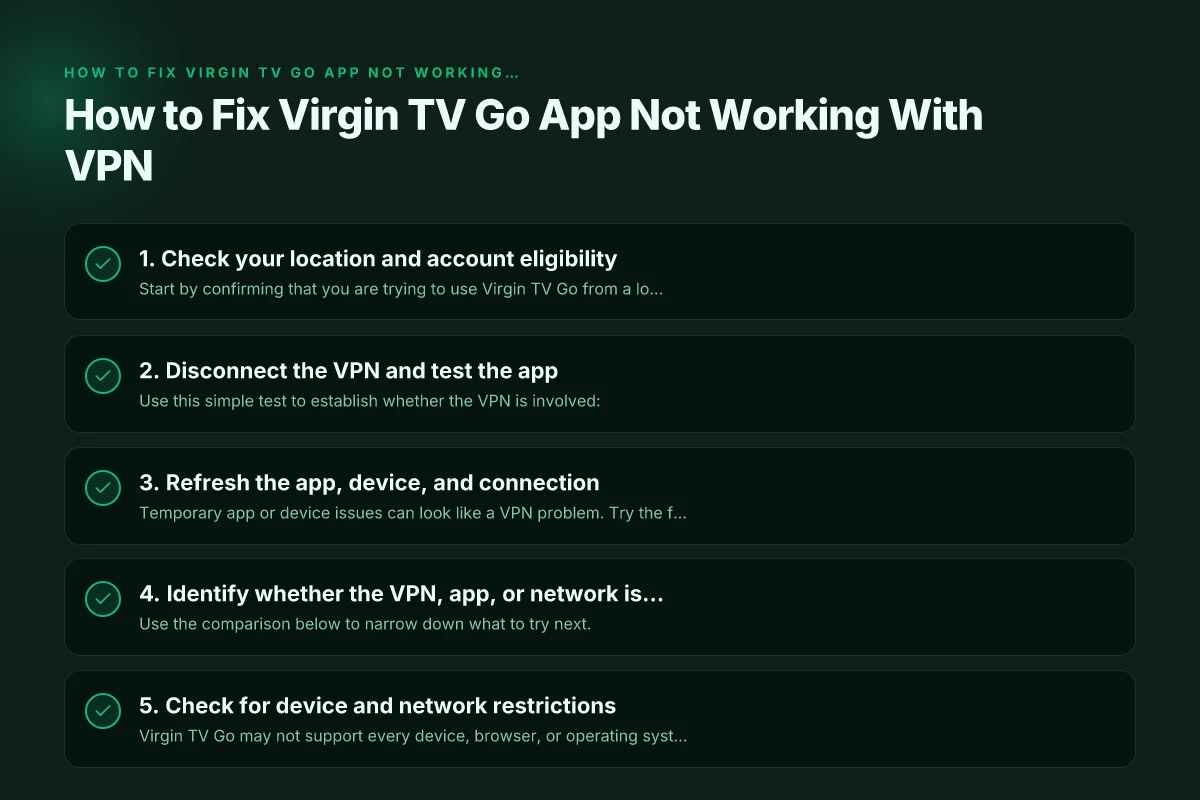
2. Disconnect the VPN and test the app
Use this simple test to establish whether the VPN is involved: BSNL VPN.ovpn File: What It Is and How to Set Up a Safe Connection
- Close Virgin TV Go.
- Disconnect the VPN using its app or device settings.
- Reopen Virgin TV Go and sign in again if prompted.
- Try playing the same programme over your regular internet connection.
If the app works after you disconnect, the VPN was probably affecting the connection or location check. The most reliable next step is to use Virgin TV Go without a VPN, where permitted, rather than trying to work around the service’s access controls.
If the app still does not work, check that your internet connection is stable. Open another trusted app or website, then restart your router if several services are having trouble. You can also switch between Wi-Fi and mobile data, where available, to see whether the problem is limited to one network.
3. Refresh the app, device, and connection
Temporary app or device issues can look like a VPN problem. Try the following in order:
- Force-close Virgin TV Go, then open it again.
- Restart your phone, tablet, computer, or streaming device.
- Install available updates for Virgin TV Go and your device’s operating system.
- Check that the device’s date, time, and time zone are set automatically.
- Sign out of Virgin TV Go and sign back in.
- If the problem continues, clear the app cache where your device supports it. Avoid deleting app data unless you are prepared to sign in again.
- Reinstall the app only after checking that it is available for your device and that you know your sign-in details.
The exact steps vary by device. On some devices, clearing the cache is not an option. Restarting and updating the app may be enough. Avoid installing unofficial versions of the app or changing system settings you do not understand. Total VPN on Fire Stick: How to Install and Use It
Compare tests to identify what is causing the problem
| Test | VPN | App or device | Network | What the result suggests |
|---|---|---|---|---|
| Try the app without VPN | Off | Same | Same | VPN may be involved |
| Reopen the app | Off | Refreshed | Same | App may have needed a refresh |
| Restart the device | Off | Restarted | Same | Device may have needed a restart |
| Switch networks | Off | Same | Different | Original network may be involved |
| Try another device | Off | Different | Same | Original device may be involved |
| Retry with VPN | On | Same | Same | Compare against the VPN-off test |
| Check account eligibility | Off | Same | Same | Account access may be the issue |
| Check location eligibility | Off | Same | Same | Location may affect access |
Compiled November 2026; check the provider's site for current details.
4. Identify whether the VPN, app, or network is the issue
Use the comparison below to narrow down what to try next.
| What happens | Likely area to check | Next step |
|---|---|---|
| Virgin TV Go works when the VPN is disconnected | VPN connection or location verification | Use the service without the VPN and follow Virgin Media’s access rules |
| The app fails with or without the VPN | App, account, device, or service availability | Update and restart the app; check account access and service status |
| The app works on mobile data but not Wi-Fi | Home network or router | Restart the router and contact your internet provider if other services also fail |
| Only one programme or channel fails | Content availability or rights | Try another programme and check Virgin Media’s information |
| Sign-in fails on every network | Account or authentication | Confirm your login details and contact Virgin Media if needed |
If Virgin TV Go is unavailable for other users too, the problem may be a service outage. Check Virgin Media’s official service updates before repeatedly changing your device or network settings. Axgate VPN Client Download: Safe Setup and Troubleshooting Guide
5. Check for device and network restrictions
Virgin TV Go may not support every device, browser, or operating system. Check Virgin Media’s current supported-device information and make sure your software meets the requirements. If you are using a browser, try one that Virgin Media supports and update it to the latest version.
Some networks also apply security, filtering, or parental-control settings that can affect streaming. If you are on a work, school, hotel, or public network, its administrator may restrict video services. Try a network you are authorised to use, rather than changing network settings to bypass those restrictions.
If you use a VPN for a legitimate privacy or security reason, ask the VPN provider whether its connection is functioning normally. You can test the VPN with other services, but do not use server switching, location spoofing, or similar techniques to evade Virgin Media’s regional or content restrictions. If Virgin Media does not support access through a VPN, disconnecting it is the appropriate fix.
6. When to contact Virgin Media
Contact Virgin Media support if the app fails after you have disconnected the VPN, updated and restarted the app, and checked your account and connection. Be ready to share: Best Free VPN for Edge: Top Picks and What to Know
- Your device model and operating system version
- The Virgin TV Go app version
- Your country or region and the type of network you are using
- Whether the app works with the VPN disconnected
- The exact error message and when it appears
- Whether the problem affects all content or only a specific programme
Do not share your password or payment details in an unsecured message. Support can confirm account eligibility, device support, service interruptions, and whether a playback issue is known.
Choose the next step based on the outcome
| Situation | Next step | Contact Virgin Media? | Why |
|---|---|---|---|
| App works with VPN off | Retry with VPN settings changed | Not yet | VPN may be affecting access |
| App fails with VPN off | Refresh app and device | Not yet | The VPN may not be the cause |
| App works on another network | Check the original network | Not yet | Network restrictions may be involved |
| App works on another device | Check the original device | Not yet | Device restrictions or issues may be involved |
| Account eligibility is unclear | Confirm account access | Yes, if unresolved | Virgin Media can check account access |
| Location eligibility is unclear | Check eligible-location requirements | Yes, if unresolved | Access may depend on location |
| Refreshes do not help | Compare device and network tests | If still unresolved | More testing can narrow down the cause |
| Problem persists after checks | Contact Virgin Media | Yes | Support can investigate the service or account |
Compiled November 2026; check the provider's site for current details.
Recommendation
The quickest and safest fix is to disconnect the VPN, restart Virgin TV Go, and test it on a supported device and authorised network. If the app still fails, update the app, check your account and connection, and contact Virgin Media with the error details. Microsoft Edge VPN Extension: What It Does and How to Choose One