IPsec over TCP 443: How It Works, Benefits, and Limitations

Learn how IPsec over TCP 443 works, when to use it, and why it can cause performance and compatibility issues.
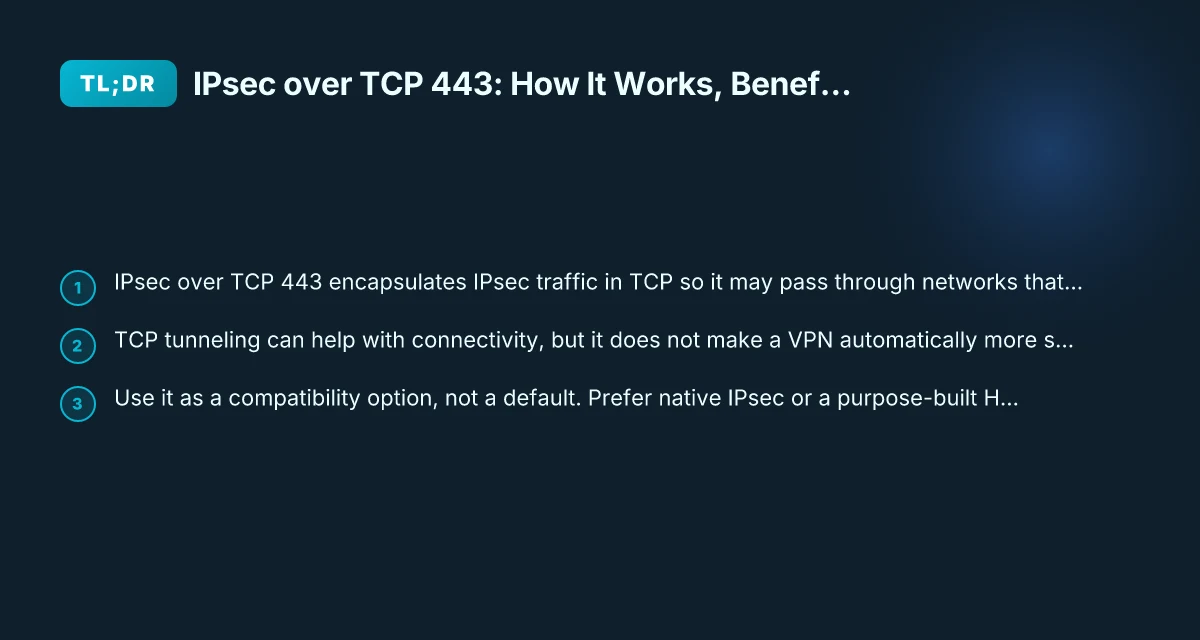
IPsec over TCP 443 carries IPsec VPN traffic inside a TCP connection that uses port 443, the port commonly associated with HTTPS. It can help a VPN connect from networks that block or disrupt the usual IPsec ports and protocols. However, it is not the same as ordinary HTTPS, and it can introduce performance problems, require support from both VPN endpoints, or be blocked by network controls.

Editor's pick: NordVPN — fast, secure VPN — Strong encryption, a no-logs policy and apps for every device. 30-day money-back guarantee. Get NordVPN →
How IPsec over TCP 443 compares with common VPN transport options
| Option | Transport | Port behavior | Firewall traversal | Typical use | Main trade-off |
|---|---|---|---|---|---|
| IPsec over TCP 443 | IPsec encapsulated in TCP | TCP port 443 | Often passes networks that allow HTTPS | Restricted networks | TCP-over-TCP performance issues |
| Native IPsec | IPsec protocols such as ESP | Often requires specific IP protocols or ports | May be blocked by restrictive firewalls | Direct VPN connections | Efficient, but needs compatible network rules |
| IPsec over UDP | IPsec encapsulated in UDP | Commonly uses UDP ports | May pass some firewalls | NAT-friendly VPN connections | UDP may be blocked |
| TLS-based VPN | TLS over TCP | Often TCP port 443 | Often passes HTTPS-permitting firewalls | Remote access through restrictive networks | Depends on TLS VPN support |
| WireGuard | UDP | Configurable UDP port | May be blocked where UDP is restricted | Lightweight VPN connections | No native TCP transport |
| No VPN | No tunnel | Not applicable | No VPN traversal needed | Unprotected or separately secured access | No VPN tunnel protection |
Compiled November 2026; check the provider's site for current details.
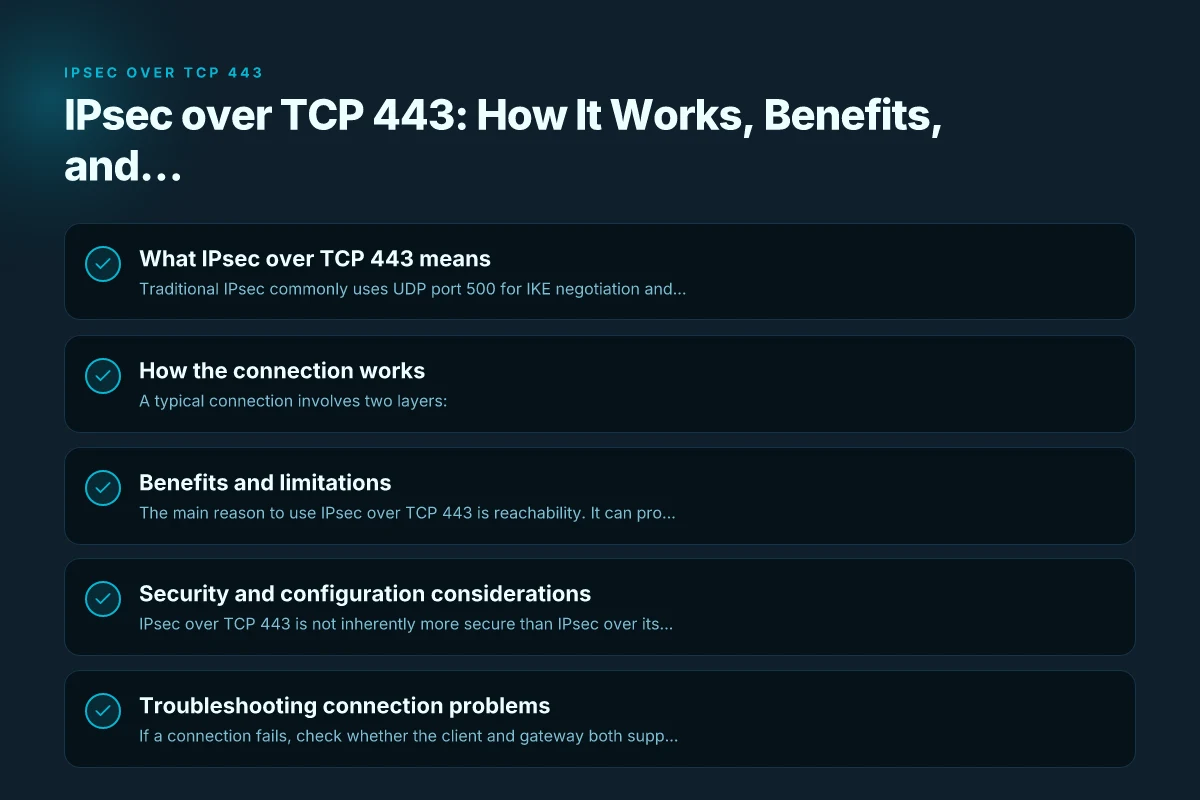
What IPsec over TCP 443 means
Traditional IPsec commonly uses UDP port 500 for IKE negotiation and UDP port 4500 for NAT traversal. Some IPsec configurations also use ESP, an IP protocol that does not use TCP or UDP ports. Firewalls and restrictive networks may block these protocols, which can prevent a VPN from connecting.
With IPsec over TCP, a VPN client and gateway encapsulate IPsec traffic in a TCP connection. If configured to use port 443, that connection may be more likely to pass through networks that allow outbound traffic on that port.
The exact implementation depends on the VPN vendor. “IPsec over TCP 443” is not one universal standard with identical behavior across products. The client and VPN gateway generally need compatible features and matching configuration.
How the connection works
A typical connection involves two layers: iPhone VPN: What It Does and How to Set One Up
- The VPN client establishes a TCP connection to the VPN gateway, often on port 443.
- IPsec negotiation and protected traffic are carried through that TCP connection.
The outer TCP connection acts as a transport path for the VPN. IPsec still provides the VPN’s security functions, such as encryption and integrity protection, according to the selected algorithms and configuration. Port 443 alone does not provide those protections.
This distinction matters: using port 443 does not mean the traffic is a normal HTTPS session. A network may permit TCP 443 while inspecting traffic, requiring a web proxy, or allowing only recognized TLS connections. In those environments, an IPsec tunnel on that port may still fail.
Benefits and limitations
The main reason to use IPsec over TCP 443 is reachability. It can provide an alternative when UDP-based IPsec traffic or ESP is blocked. It may be useful on guest Wi-Fi, in hotels, or on corporate networks with restrictive outbound firewall rules.
There are important trade-offs. TCP has its own retransmission and congestion-control mechanisms. When TCP is used to carry traffic that already has transport-level behavior, especially traffic using TCP, loss or congestion can lead to inefficient retransmissions and reduced performance. This effect is often called TCP-over-TCP meltdown, although its severity varies with network conditions and implementation. Forti VPN: What It Is, How It Works, and Whether You Need It
| Option | Potential advantage | Common limitation |
|---|---|---|
| Native IPsec over UDP | Efficient and widely supported by IPsec VPNs | May be blocked on restrictive networks |
| IPsec over TCP 443 | May connect where UDP-based IPsec is unavailable | Can perform poorly under loss or congestion; requires compatible endpoints |
| TLS-based VPN | Designed to use TLS transport and often works with proxy-aware setups | Still may be blocked or restricted by inspection and access policies |
No option is guaranteed to work everywhere. Network administrators can identify and block VPN traffic on port 443, and some networks allow only web traffic through an authenticated proxy. A VPN client that supports proxy settings or a different transport may be needed in those cases.
Benefits and limitations of IPsec over TCP 443
| Consideration | Potential benefit | Limitation or risk | Decision check |
|---|---|---|---|
| Firewall traversal | TCP 443 may be permitted | Not guaranteed on every network | Test the target firewall |
| Network compatibility | Can help where native IPsec is blocked | Requires support at both VPN endpoints | Confirm client and gateway support |
| Encryption | Retains IPsec security when configured correctly | TCP encapsulation does not itself improve encryption | Verify IPsec security settings |
| Performance | Can restore connectivity on restricted networks | TCP-over-TCP can reduce performance | Compare with native IPsec |
| Reliability | Can provide an alternative transport path | Middleboxes may interfere with the connection | Test across relevant networks |
| Port availability | Uses a commonly allowed port | Another service may already use TCP 443 | Check gateway port assignments |
| Configuration | Can fit existing IPsec deployments | Requires matching client and gateway configuration | Confirm supported settings |
| Troubleshooting | Offers a fallback when native transport fails | Adds another layer to diagnose | Check transport and IPsec logs |
Compiled November 2026; check the provider's site for current details.
Security and configuration considerations
IPsec over TCP 443 is not inherently more secure than IPsec over its usual transport. Security depends on the VPN’s IPsec configuration, including authentication, encryption, key exchange, certificate validation, and software maintenance. VPN That Allows You to Choose Location for Free: What to Look For
For a reliable setup:
- Enable TCP encapsulation on both the client and gateway, using the vendor’s documented settings.
- Confirm that the gateway listens on the intended address and TCP port.
- Use strong, supported cryptographic settings and validate server certificates where applicable.
- Keep VPN software and gateway firmware patched.
- Apply access controls and logging appropriate to the organization.
- Test the connection from the networks where users need it, including any proxy or firewall path.
Avoid assuming that port 443 traffic is automatically concealed or exempt from inspection. Do not use tunneling to bypass an organization’s security policy. Get approval from the network owner.
Troubleshooting connection problems
If a connection fails, check whether the client and gateway both support the same TCP encapsulation method. Confirm the hostname, port, certificates, and authentication settings, then review client and gateway logs for negotiation or transport errors.
If the TCP connection succeeds but the VPN does not, the network may be allowing the port while blocking or inspecting the traffic inside it. A required web proxy, TLS inspection, or firewall policy can also interfere. Try the standard IPsec transport on a permitted network to help determine whether the issue is specific to TCP encapsulation. Free Location Changer VPN: What It Can, and Can’t, Do
For poor performance, compare results with native IPsec over UDP on a network where it is allowed. Packet loss, latency, and nested retransmissions can make TCP encapsulation noticeably slower. A different VPN transport may be a better fit if users routinely connect from restrictive networks.
Connection checks for IPsec over TCP 443
| Symptom | Likely area to check | Useful check | Possible action |
|---|---|---|---|
| Cannot reach the VPN gateway | Network path or gateway address | Verify address resolution and reachability | Correct the address or network route |
| TCP connection fails | Firewall or port listener | Check whether TCP 443 is reachable | Allow the traffic or correct the listener |
| TCP connects but VPN fails | IPsec negotiation or configuration | Review client and gateway logs | Align supported IPsec settings |
| Authentication is rejected | Credentials or identity settings | Check account status and authentication logs | Correct credentials or identity configuration |
| Connection works on one network only | Network filtering or proxy behavior | Compare results across networks | Check network rules and proxy interference |
| Tunnel connects but traffic fails | Routes, policies, or DNS | Inspect tunnel routes and name resolution | Correct routing, policy, or DNS settings |
| Performance is poor | TCP-over-TCP or network congestion | Compare with another supported transport | Use native IPsec where the network permits |
| Port 443 is already occupied | Gateway service or port assignment | Check which service listens on TCP 443 | Resolve the port conflict or use a supported alternative |
Compiled November 2026; check the provider's site for current details.
Recommendation
Use IPsec over TCP 443 as a compatibility fallback when standard IPsec cannot connect and the VPN vendor supports the feature. Prefer native IPsec over UDP when the network permits it, because it generally avoids the drawbacks of carrying VPN traffic inside TCP. If restrictive-network access is a core requirement, evaluate a VPN transport designed for proxy and firewall environments, and test it against the organization’s security policies and real-world network conditions. Best Free VPN That Lets You Pick Locations: Top Options and Trade-Offs