NordVPN Download: How to Get and Install the App Safely
Find the official NordVPN download for your device, follow installation steps, and learn how to connect safely.
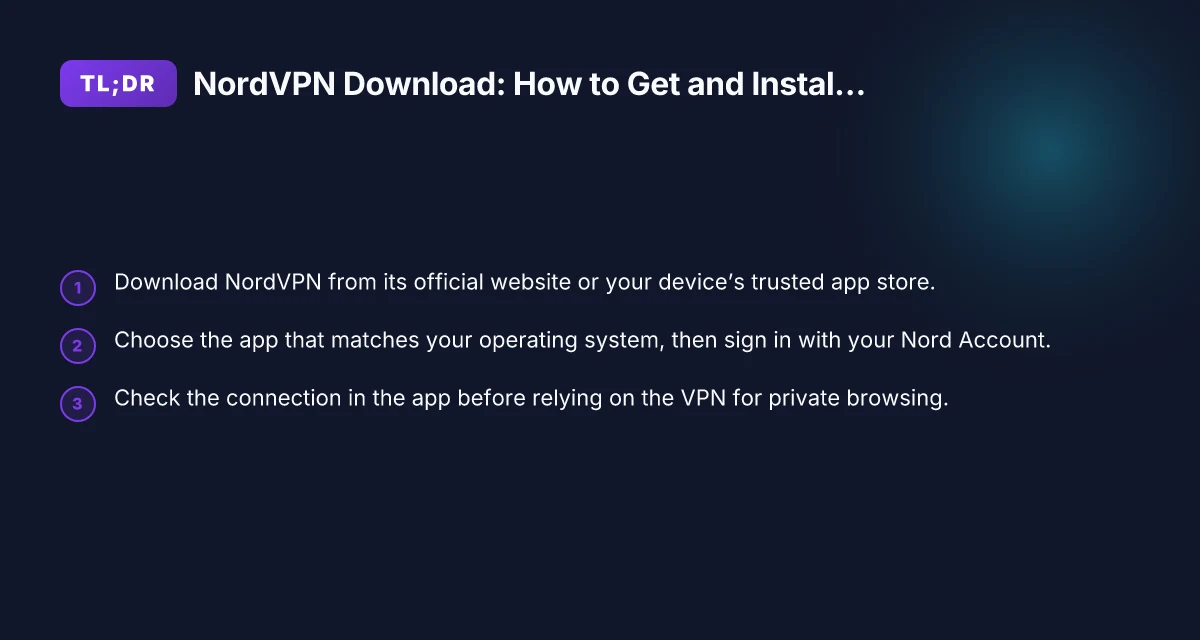
To download NordVPN, visit the official NordVPN website or open the official app store on your device, find NordVPN, and install the version made for your operating system. Then open the app, sign in to your Nord Account, and connect to a server. The steps vary slightly by device, but the same safety rule applies: avoid unofficial download sites and verify the publisher before installing.

Editor's pick: NordVPN — fast, secure VPN — Strong encryption, a no-logs policy and apps for every device. 30-day money-back guarantee. Get NordVPN →
Comparing NordVPN download options by device
| Option | Where to get it | Install method | Useful for | Safety check |
|---|---|---|---|---|
| Windows app | NordVPN official website | Download and run installer | Windows computers | Confirm the site address |
| macOS app | NordVPN official website | Download and open installer | Mac computers | Avoid third-party download sites |
| Android app | Google Play or NordVPN official website | Install the app | Android phones and tablets | Check the publisher |
| iPhone or iPad app | Apple App Store | Install the app | iOS and iPadOS devices | Check the app name and publisher |
| Linux app | NordVPN official website | Follow Linux setup instructions | Linux computers | Use official instructions |
| Browser extension | Official browser extension store | Add the extension | Browser traffic | Verify the listed publisher |
| Other devices | NordVPN website for available options | Follow device-specific steps | Devices with supported setup options | Confirm compatibility first |
Compiled November 2026; check the provider's site for current details.
| VPN | Obfuscation | From / month | Plan | Free plan | Refund | Alipay | UnionPay | Crypto | Website opens in China | Trustpilot | |
|---|---|---|---|---|---|---|---|---|---|---|---|
 NordVPN | Turn on manually Obfuscated Servers / NordWhisper | $3.49/mo | 27 months: $94.23 | No | 30 days | ? | ✗ | ✓ | ✓ | ✗ Blocked | 4.2/5 (51,628 reviews) |
 ZoogVPN | Turn on manually Shadow | $2.49/mo | 27 months: $59.99 | Yes | 7 days | ✓ | ✓ | ✓ | ✓ | Official site blocked; our special link opens (4.4 s) | 4.2/5 (195 reviews) |
 ExpressVPN | ✓ On by default all servers | $3.00/mo | 28 months: $84 | No | 30 days | ✗ | ✗ | ✓ | ✗ | ✗ Blocked | 4.4/5 (29,706 reviews) |
 Surfshark | ✓ On by default Camouflage, with OpenVPN | See site | See site | No | 30 days | ✗ | ✗ | ✗ | ✓ | ✗ Blocked | 4.3/5 (31,823 reviews) |
 Proton VPN | Turn on manually Stealth, free plan too | $2.99/mo | 12 months: $35.88 | Yes | 30 days | ✗ | ✗ | ✗ | ✓ | ✗ Blocked | 2.1/5 (1,040 reviews) |
 Astrill VPN | Turn on manually StealthVPN / OpenWeb | $12.50/mo | 24 months: $300 | No | See site | ✗ | ✗ | ✗ | ✓ | ✗ Blocked | 1.3/5 (110 reviews) |
 Private Internet Access | Turn on manually Shadowsocks, OpenVPN only | $2.03/mo | 40 months: $81.2 | No | 30 days | ✗ | ✗ | ✗ | ✗ | ✗ Blocked | 4.2/5 (11,033 reviews) |
 CyberGhost | Turn on manually selected servers | $2.19/mo | 28 months: $61.32 | No | 45 days | ✗ | ✗ | ✗ | ✓ | ✗ Blocked | 4.0/5 (24,178 reviews) |
 PureVPN | Turn on manually switch to OpenVPN | $1.69/mo | 60 months: $101.55 | No | 31 days | ? | ? | ✗ | ✓ | ✗ Blocked | 4.4/5 (17,994 reviews) |
 AdGuard VPN | ✓ On by default TrustTunnel | $2.99/mo | 24 months: $71.76 | Yes | 30 days | ✓ | ✗ | ✓ | ✓ | Official site blocked; our special link opens (3.7 s) | 4.3/5 (290 reviews) |
 Mullvad | Turn on manually QUIC / Shadowsocks / LWO | $5.61/mo | €5/mo | No | 14 days | ✗ | ✗ | ✗ | ✓ | ✗ Blocked | 3.2/5 (192 reviews) |
 Windscribe | Turn on manually Stealth / WStunnel | $5.75/mo | 12 months: $69 | Yes | See site | ✗ | ✗ | ✗ | ✓ | ✗ Blocked | 4.7/5 (13,355 reviews) |
 StrongVPN | Turn on manually Scramble, OpenVPN TCP | See site | See site | No | 30 days | ✓ | ✗ | ✗ | ✗ | ✗ Blocked | 4.4/5 (2,695 reviews) |
 LightXtreme 闪连 | Not listed | $7.08/mo | 12 months: $84.99 | Yes | 30 days | ✓ | ✓ | ✓ | ✓ | ✓ Yes (3.5 s) | No page |
Prices checked 2026-11-10 on each vendor's pricing page (cheapest long plan, USD). Check the vendor's checkout for the final price.
Obfuscation checked 2026-11-14 on each vendor's site and help center: "on by default" = nothing to set; "turn on manually" = switch protocol or mode in settings; "not listed" = the vendor describes no obfuscation.
Payment methods checked 2026-11-10 on each vendor's payment pages: all 14 take cards and PayPal; ✗ = not listed, ? = the vendor's own pages disagree.
China access: whether the official website opens from mainland China networks (tests the website only, not the VPN connection). Last checked 2026-11-18 01:02 Beijing time.
Trustpilot score and review count checked 2026-11-10.
Choose the right NordVPN download
NordVPN offers apps for common computers, phones, tablets, and other supported devices. Start by identifying your device and its operating system, then use the corresponding official download option.
| Device | Recommended download source | What to check |
|---|---|---|
| Windows PC | NordVPN’s official website | Confirm you are downloading the Windows app |
| Mac | NordVPN’s official website or the Mac App Store | Choose the version compatible with your macOS |
| iPhone or iPad | Apple App Store | Check that the app publisher is Nord Security |
| Android phone or tablet | Google Play Store or NordVPN’s official website | Confirm the publisher and app details |
| Linux computer | NordVPN’s official Linux instructions | Follow the package and setup steps for your distribution |
Use the official NordVPN website to find current download links and device-specific guidance. App availability, requirements, and installation steps may change, so refer to the instructions shown for your device.
If you are using a work-managed computer or a device with parental controls, you may need administrator permission before installing software.
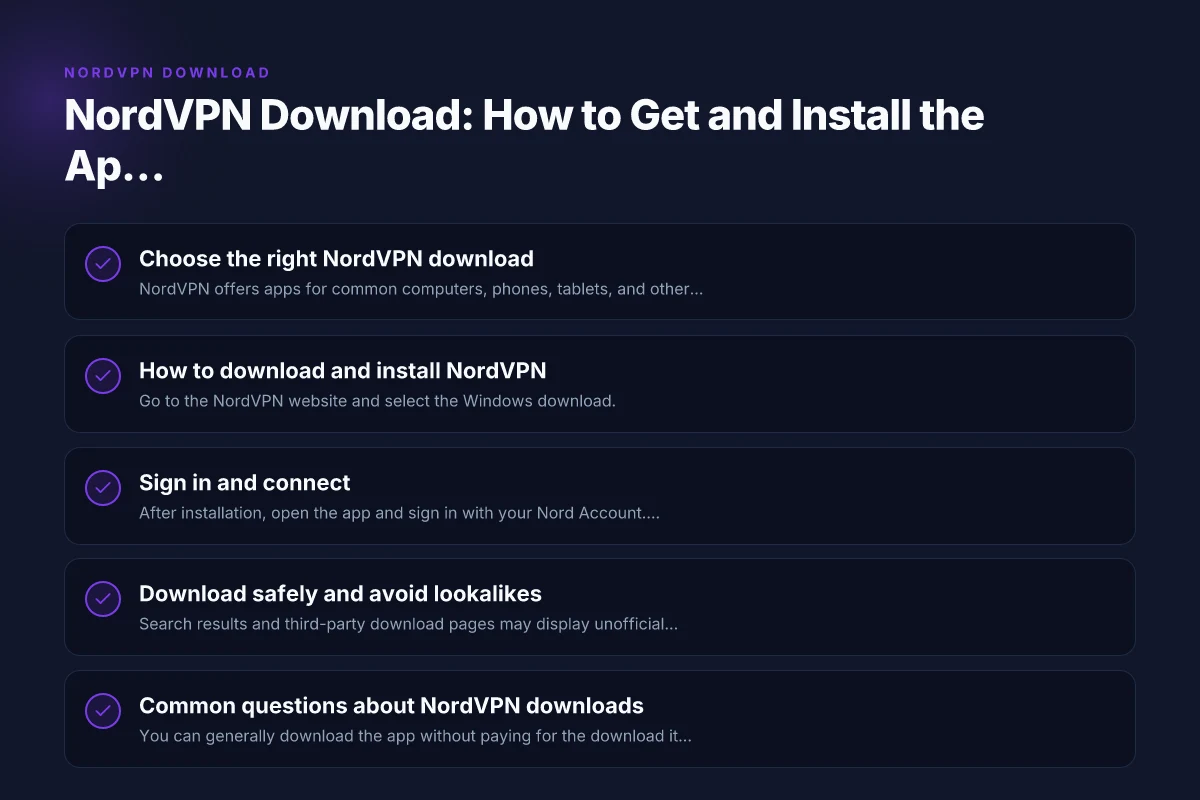
How to download and install NordVPN
Windows
- Go to the NordVPN website and select the Windows download.
- Open the downloaded installer.
- Follow the installation prompts. If Windows asks for permission, confirm only if the installer came from the official source.
- Launch NordVPN and sign in to your Nord Account.
Mac
- Choose the Mac download from the official website, or find NordVPN in the Mac App Store.
- Install the app and open it from your Applications folder or Launchpad.
- Sign in when prompted.
- Approve any requested macOS permissions you understand and need for the VPN connection.
iPhone, iPad, and Android
- Open the Apple App Store or Google Play Store.
- Search for NordVPN and verify the publisher before downloading.
- Tap the install button and wait for the app to finish installing.
- Open NordVPN, sign in, and follow the on-screen setup instructions.
Mobile operating systems may ask to add a VPN configuration. This permission allows the app to create a VPN connection. Read the prompt and approve it only when you are setting up the genuine NordVPN app. Cj VPN login: How to Access Your Account Safely
Linux and other devices
Linux installation can depend on your distribution and preferred setup method. Use NordVPN’s official Linux documentation rather than copying commands from an unfamiliar website. Some routers, smart TVs, and other devices may require a different setup, such as configuring a compatible router or using another supported connection method. Check NordVPN’s current device instructions before proceeding.
Safe download and installation checklist
| Step | What to do | Safer choice | Avoid |
|---|---|---|---|
| Find the download | Start at NordVPN’s official website | Use the official source | Sponsored lookalike pages |
| Choose a platform | Select the version for your device | Match the device and operating system | Downloading an incompatible app |
| Use an app store | Search the official store when available | Check the publisher and app name | Similar-looking apps |
| Start installation | Open the file you downloaded | Follow the installer prompts | Unexpected prompts or bundled software |
| Sign in | Use your NordVPN account | Enter credentials in the official app | Sharing your password |
| Connect | Choose a server in the app | Use the app’s connection controls | Unknown connection tools |
| Update the app | Use the official site, app store, or app prompts | Keep the app current | Unofficial update files |
Compiled November 2026; check the provider's site for current details.
Sign in and connect
After installation, open the app and sign in with your Nord Account. If you do not have an account, follow NordVPN’s official sign-up process. Account access and subscription requirements can vary, so check the current plan details before purchasing. Proton VPN Download: How to Get and Install the Official App
To connect, you can usually select a country or server from the app, or use its quick-connect option to let the app choose a server. The available locations and features depend on your app, plan, and current service offering.
Before browsing, check that the app shows an active connection. You can also visit a reputable IP-checking website to confirm that your public IP address appears different from your regular connection. This can help you verify that the VPN is working, but it does not guarantee complete anonymity or protection from every online risk.
If the app will not connect, try these basic steps:
- Confirm that your internet connection works without the VPN.
- Update the app to the latest version available from its official source.
- Try a different server or location.
- Restart the app and your device.
- Check NordVPN’s official support resources for current troubleshooting advice.
Download safely and avoid lookalikes
Search results and third-party download pages may display unofficial copies, misleading buttons, or outdated installers. To reduce the risk of installing unwanted or harmful software, download NordVPN directly from its official website or a recognized app store. Free VPN Extension for Edge Browser: How to Choose One Safely
Before installing, check that:
- The website address is the genuine NordVPN site, entered directly or reached through a trusted source.
- The app publisher shown in the store is Nord Security.
- The app name and description match NordVPN’s official information.
- You are not being asked to install extra software unrelated to the VPN.
Avoid cracked apps, modified installers, and shared account credentials. They can expose your device or account to security risks and may violate the service’s terms. Do not enter your Nord Account password on a page you reached through an unexpected pop-up or message.
Keep the app and your operating system updated. Updates may include security fixes, compatibility improvements, and new features. Use the app’s settings or your device’s normal update process, and check official NordVPN guidance if an update does not install correctly.
Common questions about NordVPN downloads
Is NordVPN free to download?
You can generally download the app without paying for the download itself, but using the service may require a subscription. Check NordVPN’s current pricing, trial availability, and payment terms on its official website or in the relevant app store. FortiClient VPN Only: What It Is and How to Set It Up
Can I install NordVPN on more than one device?
NordVPN supports use across multiple devices, subject to the current account and subscription terms. Check the latest plan details for any limits and supported platforms.
What should I do if I downloaded the wrong version?
Delete the installer or app if it is not the correct one, then get the version for your device from an official source. If you installed software from an untrusted site, remove it and run your device’s security checks before signing in to any accounts.
Does a VPN make me completely anonymous?
No. A VPN encrypts traffic between your device and the VPN server, but it does not erase your digital footprint or protect against every threat. Websites may still identify you through account sign-ins, cookies, browser settings, or other tracking methods.
Choosing how to connect after installation How to Add or Change a VPN Connection in Windows 10
| Choice | How it works | Best suited to | Consideration |
|---|---|---|---|
| Quick Connect | Connects through the app’s quick-connect option | A simple setup | The app selects a server |
| Choose a country | Select a country in the app | A preferred location | Availability can vary |
| Choose a server | Pick a server from the available list | More control over the connection | Requires choosing an option |
| Sign in first | Enter your account details in the app | New installations | Use the official app |
| Use a supported device | Install the version made for that platform | Phones and computers | Check device compatibility |
| Use official setup instructions | Follow NordVPN’s platform-specific guidance | Linux or other setup needs | Steps vary by platform |
Compiled November 2026; check the provider's site for current details.
Recommendation
For a safe NordVPN download, use the official NordVPN website on a computer or the Apple App Store or Google Play Store on a mobile device. Confirm the app publisher, install the version made for your operating system, and verify that the app shows an active connection before use.