TunnelBear Extension Edge: How to Install and Use It

Learn whether TunnelBear works as an Edge extension, how to install it, and when to use the Windows app instead.


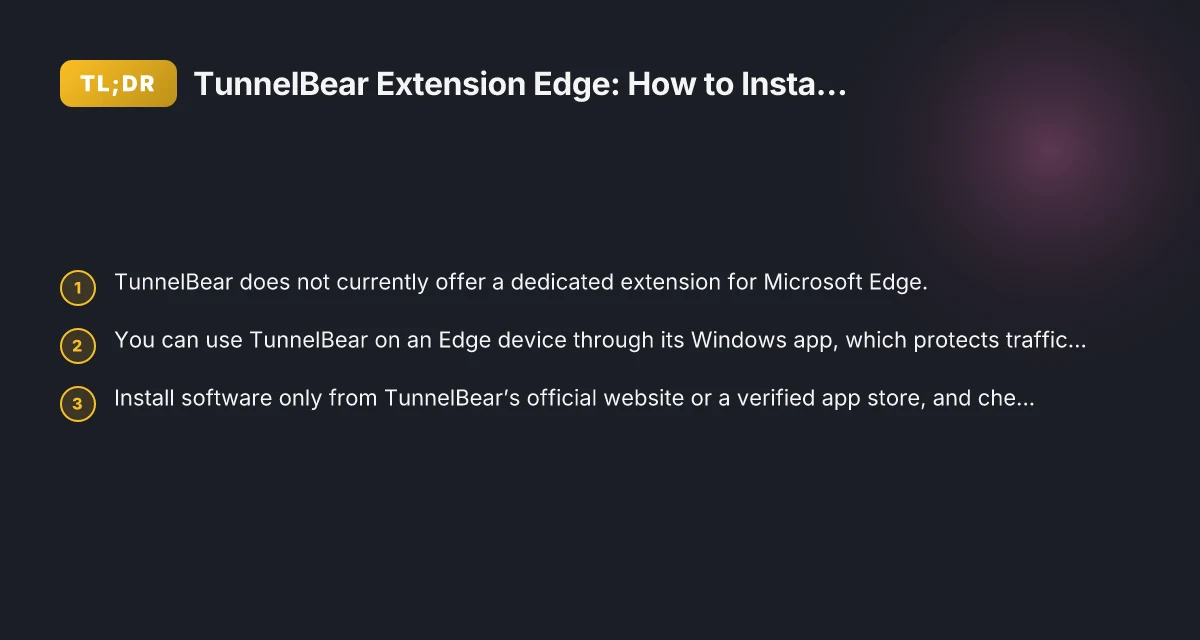
If you’re looking for a TunnelBear extension for Edge, the key point is that TunnelBear does not currently provide a dedicated Microsoft Edge browser extension. Instead, Windows users can install the TunnelBear app, connect to a VPN server, and browse in Edge through the protected connection. This system-wide approach covers more than browser traffic, though it may not offer the convenience of switching locations from an Edge toolbar button.

Editor's pick: NordVPN — fast, secure VPN — Strong encryption, a no-logs policy and apps for every device. 30-day money-back guarantee. Get NordVPN →
TunnelBear extension and app options compared
| Option | Works with Edge | What it covers | Best for |
|---|---|---|---|
| TunnelBear Edge extension | Check the Edge Add-ons store | Browser traffic | Browser-only protection |
| TunnelBear desktop app | Install the app for your operating system | Device traffic | Protection beyond the browser |
| Extension and app together | Use both if compatible | Browser and device traffic | Layered coverage |
| Edge built-in tracking prevention | Available in Edge settings | Web tracking | Reducing tracking |
| Private browsing in Edge | Available in Edge | Local browsing history | Shared-device privacy |
| Other VPN extension | Check its Edge Add-ons listing | Depends on provider | Comparing browser options |
Compiled November 2026; check the provider's site for current details.
Is there a TunnelBear extension for Microsoft Edge?
TunnelBear’s browser-extension offerings have varied over time, but Microsoft Edge is not currently listed as a supported browser extension. Edge can run some extensions built for Chromium, but that does not mean every Chrome extension is available, compatible, or officially supported by its developer.
Before installing anything that claims to be a TunnelBear Edge extension, check TunnelBear’s official website and the Microsoft Edge Add-ons store. If TunnelBear does not link to or list the extension there, treat third-party download pages and unofficial listings with caution. A VPN extension handles sensitive browsing data, so its publisher and permissions matter.
Why the distinction matters
A browser extension and a VPN app do not necessarily protect the same traffic:
- A browser extension typically routes traffic from that browser only.
- A desktop VPN app usually routes supported internet traffic from the whole device.
- An extension may offer quick browser controls, while an app often provides broader protection and connection settings.
For Edge users on Windows, the TunnelBear app is the practical official option when a dedicated Edge extension is unavailable. Where Is My VPN Located? How to Check Your VPN Location

How to use TunnelBear with Edge
You can use TunnelBear with Microsoft Edge by installing the official Windows app and connecting before you browse.
- Visit TunnelBear’s official website and select the Windows download.
- Download and install the app, following the on-screen instructions.
- Open TunnelBear and sign in or create an account.
- Choose a location and connect.
- Open Edge and check that websites load while the VPN is connected.
The exact screens and features can change as TunnelBear updates its software. Follow the current instructions shown in the app and on the official support pages.
When you finish, disconnect in the TunnelBear app if you no longer want the VPN connection. If you use a work, school, or public network with its own VPN requirements, check those rules before connecting to another VPN.
Choosing a TunnelBear setup for Edge Big IP VPN Download: How to Find and Install a Safe VPN
| Need | Extension | Desktop app | Both |
|---|---|---|---|
| Protect browser traffic | Yes, if available and enabled | Depends on app configuration | Yes, if compatible |
| Protect non-browser apps | No | Yes, if supported | Yes, through the app |
| Quick browser access | Yes | Usually through the app | Yes |
| Device-wide VPN coverage | No | Yes, if supported | Yes, through the app |
| Separate browser and device controls | Browser-focused | App-focused | Both control points |
| Avoid overlapping connections | Check settings | Check settings | Verify compatibility |
Compiled November 2026; check the provider's site for current details.
TunnelBear app vs. browser extension
A dedicated Edge extension would be convenient for browser-only controls, but the desktop app can protect traffic beyond Edge. The right choice depends on what you want to secure.
| Feature | TunnelBear Windows app | Browser extension |
|---|---|---|
| Covers Edge browsing | Yes, when connected and working correctly | Usually, if the extension supports Edge |
| Covers other apps | Generally designed to protect device traffic | Usually limited to its browser |
| Quick controls in Edge | No toolbar button by default | Typically offers browser toolbar controls |
| Installation source | TunnelBear’s official site or verified store | Official browser add-on store, if offered |
| Availability for Edge | Windows app is the practical option | No dedicated Edge extension currently listed |
A VPN app’s connection can affect all compatible network traffic on the device, rather than only one browser. However, device settings, network restrictions, and the app’s configuration can influence what is routed. Check TunnelBear’s current documentation if you need to confirm how a particular setup behaves.
Installing extensions safely in Edge
If you find a listing that uses TunnelBear’s name, verify it before installing. A familiar logo or product name is not proof that an extension is official. Urban VPN Extension Edge Download: A Safe Installation Guide
Check the publisher name and whether TunnelBear links to that exact listing from its own website. Review the permissions, privacy information, update history, and user feedback. Be especially cautious if a listing asks for broad access to browsing data but has no clear explanation or verifiable connection to TunnelBear.
Avoid downloading browser extensions from unfamiliar websites or installing files offered through pop-ups. If you have already added an extension you cannot verify, remove it through Edge’s Extensions page and review the browser’s site permissions. You can also run a security scan if you suspect the extension was harmful.
Edge extension installation and troubleshooting checks
| Situation | What to check | Safe next step | Result to look for |
|---|---|---|---|
| Extension not listed | Search Edge Add-ons | Confirm the publisher | Official listing |
| Installation blocked | Edge extension permissions | Review the browser prompt | Expected permissions |
| Extension missing after install | Edge extensions menu | Pin or enable it | Icon appears |
| Connection does not change | Extension and app status | Check which connection is active | Expected location |
| Website fails to load | Site or browser compatibility | Temporarily test with VPN off | Site behavior changes |
| Extension stops responding | Browser and extension updates | Restart Edge and retry | Controls respond |
| Unsure whether traffic is protected | Coverage of extension versus app | Check the active connection | Browser or device coverage clarified |
Compiled November 2026; check the provider's site for current details. iPhone VPN Keeps Turning On: Causes and Fixes
Troubleshooting TunnelBear in Edge
If Edge does not seem to use the VPN, first confirm that TunnelBear says it is connected. Try loading a few different websites, then reconnect or choose another available server location if needed.
Other useful checks include:
- Restarting Edge after connecting to TunnelBear.
- Updating the TunnelBear app and Microsoft Edge.
- Temporarily disabling other VPNs or proxy settings that may conflict.
- Checking whether firewall, antivirus, or workplace network settings are blocking the connection.
- Reviewing TunnelBear’s official support guidance for connection problems.
If only one website fails, the issue may be specific to that site rather than the VPN connection. If no pages load, disconnect and reconnect, then test your internet connection without the VPN. Do not change advanced network settings unless you understand what they do or are following official support instructions.
Recommendation
For Microsoft Edge, use TunnelBear’s official Windows app rather than an unofficial extension claiming to be TunnelBear. It is the straightforward option for browsing with Edge through a VPN connection and can cover more than browser traffic. Check TunnelBear’s official site and the Edge Add-ons store for the latest availability, and install only software whose publisher you can verify. IPsec VPN FortiGate: Setup, Configuration, and Troubleshooting